
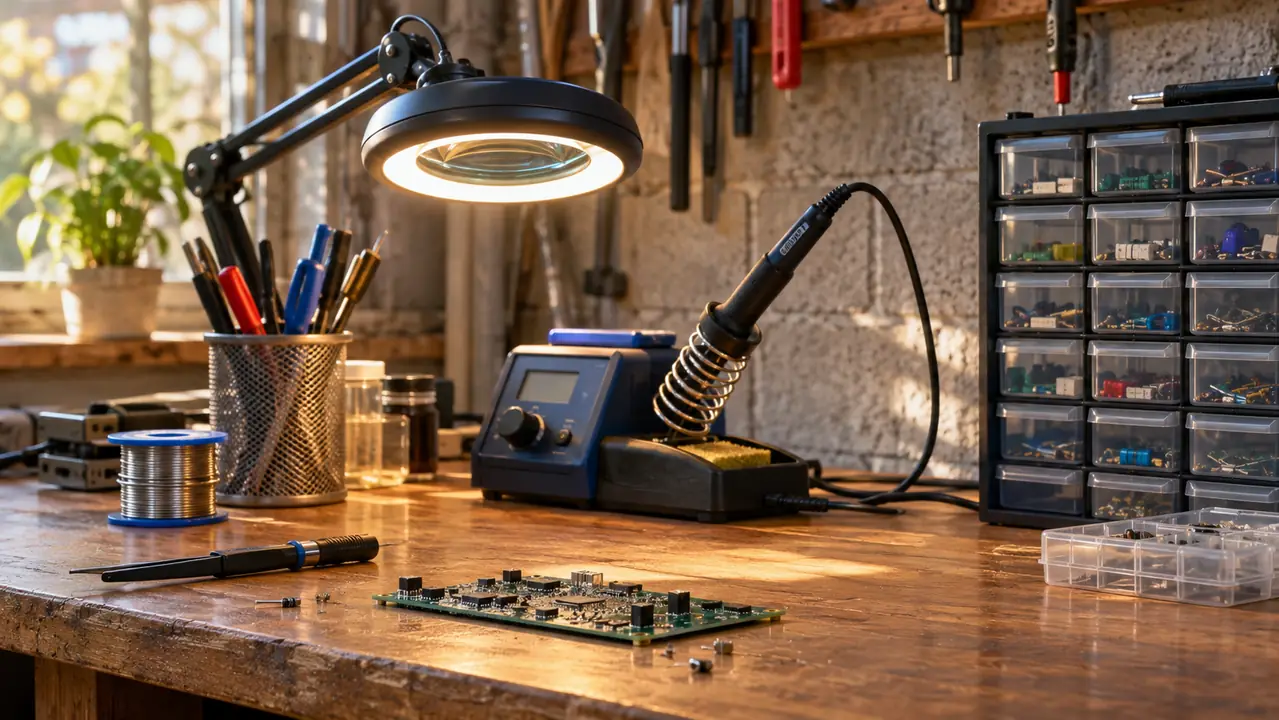
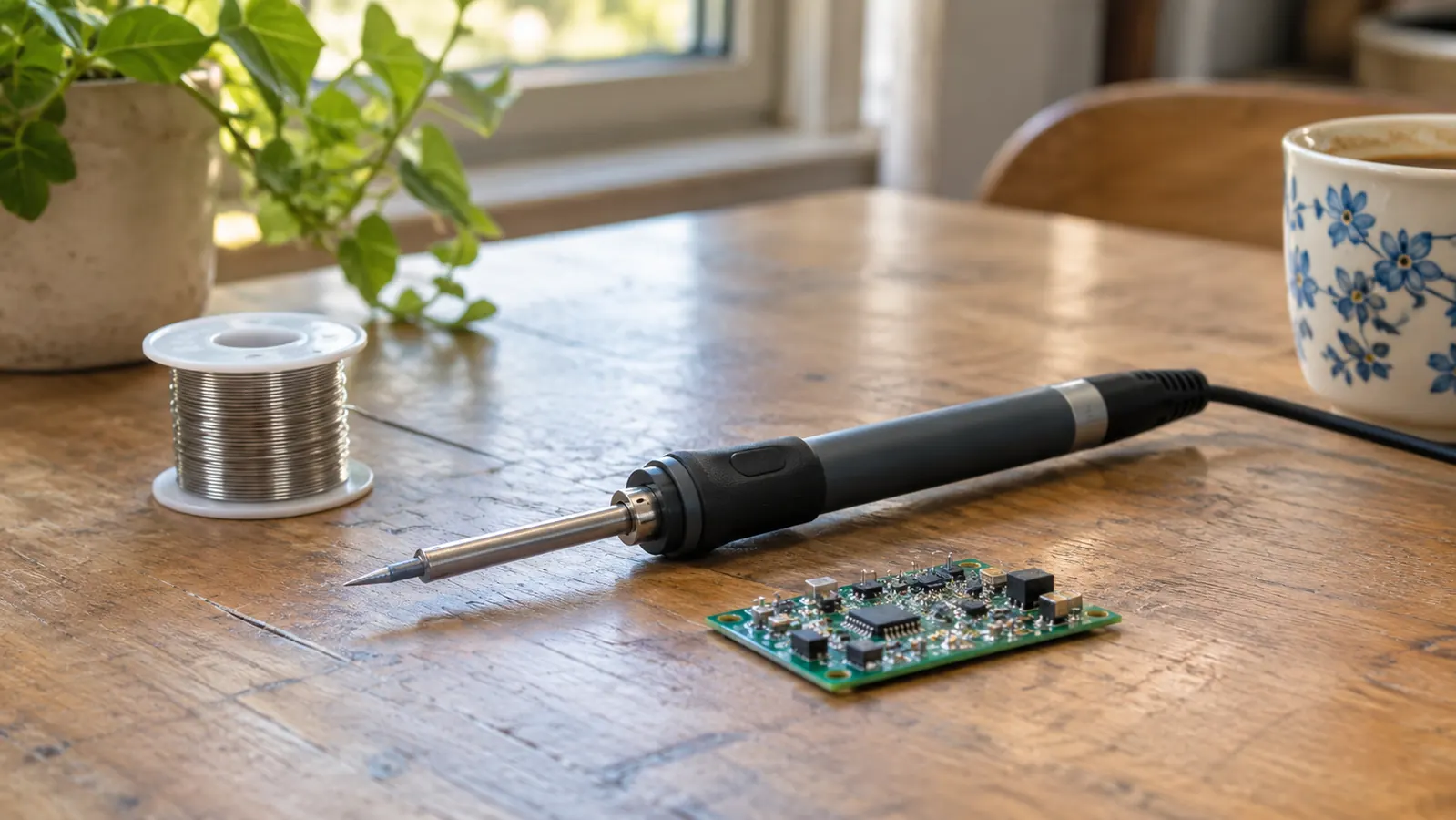
The short answer first, since that is what you came for. For through-hole work on a board with any copper on it, the YIHUA 926 III wins and it is not a close contest. It is a 60 watt station with a digital LED display, adjustable temperature up to 896 °F, adjustable sleep, and six spare tips in the box. A pen-style iron is a slim handheld pencil that heats one small tip and expects you to work fast. Those are different jobs. One is bench equipment that stays plugged in next to a magnifier lamp. The other is what you keep in a kitchen drawer for a single loose wire. Choose the job first, then the tool.
I am Marv Tobiason, 63, a retired aircraft avionics technician. I spent 34 years troubleshooting wiring harnesses and circuit boards at the hangar, and I bought the YIHUA 926 III myself, new, from Amazon in March 2024. It has sat on my garage bench in Everett, Washington for about two years and eight months. One thing I want to be straight about before we go further: I have never owned a pen-style iron. I am judging that side of this comparison from listings and spec sheets and from watching other people use them, not from my own bench. Weigh that as you read. What I can tell you with authority is which tool suits the work I actually do, and why.
| YIHUA 926 III | Pen-style iron | |
|---|---|---|
| Temperature control | Adjustable, digital LED display, C to F conversion, calibration support | Usually one heat setting and no readout at all |
| Headroom on heavy joints | 60 watts, rated up to 896 °F, recovers after a ground plane drains it | Small element, runs out of heat on thick copper and header strips |
| Tips | Six extra tips included, and you can swap them in seconds | Tip is often fixed to the barrel, wear it out and the tool is done |
| Bench footprint | 7.3 inches deep, 4.5 wide, 2.8 tall, 1.8 pounds, plus a stand and an outlet | Fits in a shirt pocket |
| Working away from the bench | Not really, it wants a wall outlet | This is the entire point of the format |
| Reaching a tight pad | Fist-sized grip plus a shaft, needs clearance around the joint | Thin barrel slides between tall components a station handle cannot pass |
| Sleep and safety | Sleep mode at 5, 10 or 30 minutes, plus a metal mesh guard at the rear | Typically nothing, it simply cools when you set it down |
| What else is in the box | Two helping hands, a roll of solder, a solder sucker, ESD-safe tweezers, a mini wrench | The iron, and sometimes a tiny stand |
| Best for | Learning on kits, headers, wire splicing, anything you do more than twice | One repair, one wire, one afternoon away from the bench |
Where the YIHUA 926 III Wins
Temperature is the whole argument and everything else is decoration. A solder joint is a heat problem. You have a pad, a pin, and a trace, and all three pull heat away from the tip the moment you touch down. A ground plane on a two-layer board will drain a small iron in under a second, and you get the classic beginner result: a dull blob sitting on top of the pad instead of a fillet that flowed into it. The station holds. I run mine at 650 to 700 °F for leaded solder through-hole parts, and the display tells me what the tip is actually doing rather than what I hope it is doing.
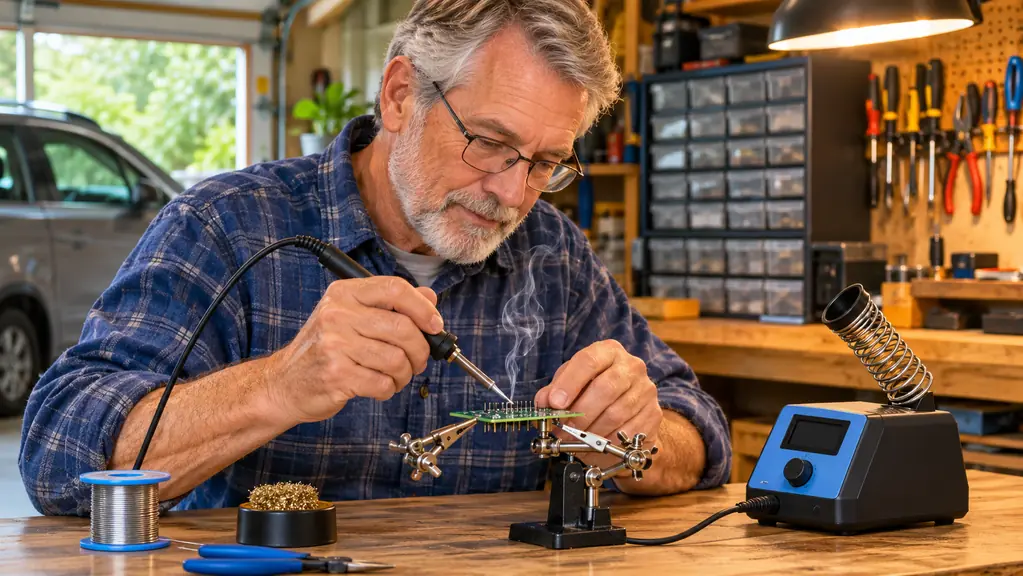
The second thing it wins on is that it stays where you put it. The stand is on the bench. The helping hands are on the bench. The tip is six inches from the joint you are working. When you solder a 40-pin header into a shield board you need one hand for the part and one for the solder, so a helping hands clip is not a gadget, it is the difference between a straight header and a leaning one you have to redo. The kit ships with two of them, plus a solder sucker, a pair of ESD-safe tweezers, a mini wrench, and a roll of lead-free solder. I keep the lead-free roll for the kits that specify it and run my own leaded wire most evenings.
Here is the evening that settled it for me. Some time in the summer of 2024 I was soldering a strip of header pins into a small proto board, twelve pins, one after another, and the third one from the end landed right on top of a wide copper pour. My old pencil iron would have gone cold on that pin, and I would have leaned on it, and the plastic spacer would have softened and walked sideways. The YIHUA dropped a little on the display, climbed back, and the joint flowed in about two seconds. I finished the strip, set the iron in the stand, and did not think about it again until I sat down to write this. That is the whole value of the thing, honestly. It removes a problem you had stopped noticing you were working around.
Six spare tips is more than it sounds. A conical tip for a single pad, a chisel for a header strip, a fine point for a repair on somebody else's board. Tips wear. They oxidize when you leave them hot and idle and they stop wetting properly, and a station you cannot re-tip is a station with a countdown running on it. That is the part of buying a YIHUA I did not appreciate until I had used the original tip down to a stub and simply twisted another one out of the little plastic box without thinking about it, and went back to work.
I have never once stopped mid-joint and waited for the station to catch up. That is the entire reason the old pencil iron went into a drawer.
Where a Pen-Style Iron Wins
Now the honest half. A pen-style iron goes where a station cannot. If the thing that broke is a lamp on the kitchen counter, or a connector inside a car door, you are not carrying 1.8 pounds of station plus a stand plus an outlet strip out there. You put the pen in a pocket, you make one joint, you put it away, and the job is finished. For someone who solders four times a year, that is the correct tool, and no amount of temperature control makes up for the fact that the station is in the garage and the broken thing is upstairs in the living room.
There is also a genuine case for the pen on very fine work. The barrel is thin. It reaches a pad between two tall components where the station handle, which is a fist-sized grip plus a shaft, physically cannot sit without resting on something it should not touch. I did enough tight work at the hangar to know that clearance decides some jobs, and I would not pretend otherwise just because I like my station. If your whole project is one surface-mount repair on a crowded board, a slim iron is easier to place. It will also annoy you the first time you point it at anything with mass behind it.
If your joints have copper under them, start with the station
The YIHUA 926 III is 60 watts with a digital display, holds temperature on header strips and ground planes, and ships with two helping hands, six extra tips, a solder sucker and ESD-safe tweezers. It heats fast enough to be ready while you find your glasses.
Amazon Check Today's Price on Amazon →How I Am Judging an Iron I Have Never Owned
Carefully, is the answer, and I want to spell out what that means so you can discount it properly. Everything I say about pen irons comes from reading listings, comparing what sellers claim against what buyers report when the claim does not hold, and watching people use them at the makerspace over in Everett. What I know firsthand is the failure mode. I owned one cheap 30 watt plug-in pencil iron for years, no temperature control, no stand, and I did household fixes with it because that was what I had. It lives in a drawer now and I do not miss it.
A modern pen iron is a better tool than that thing was, and I am not going to pretend a USB-powered pencil is the same animal as a hardware-store special from twenty years ago. But it is still a pencil. The mass is not there, the heat recovery is not there, and on a board with a decent ground plane you will feel both of those things in the first minute. Where a pen iron has improved is convenience, and convenience is worth real money to a person whose soldering happens twice a year on a broken appliance.
There was a Saturday last spring at the makerspace that I keep coming back to. A fellow there had a small display board with one loose joint and a USB-powered pencil on its highest setting, and he was holding it on the pad and waiting. Four seconds, five seconds, nothing moved. He asked me what he was doing wrong. The answer was that he was doing nothing wrong and the tip simply could not store enough heat to beat the pad, and no amount of patience fixes that. He finished the joint later on a station in about a second and a half. It is the clearest demonstration of the difference I have seen, and it cost him an hour of an afternoon.
The gap I keep returning to is feedback. A station with a display tells you the temperature and shows you it climbing back after a heavy joint. A pen iron with one setting and no readout gives you nothing to reason about. When a beginner's joint comes out grainy and dull, they cannot tell whether the iron was too cold, whether they moved, or whether the pad was dirty. With a number on a display you eliminate one of those three in about a second. For learning, that matters more than portability does.
What 60 Watts and a Sleep Timer Actually Change
The numbers, then, because they are the least interesting part and the part most listings get vague about. The station is rated 60 watts at 110 volts, with a lower setting around 90 °C and an upper rating of 896 °F. The display switches between Celsius and Fahrenheit, which sounds trivial until you are following a tutorial written in the other one, and the calibration support lets you correct the reading when a tip runs a few degrees off after months of use. Sleep is adjustable to 5, 10 or 30 minutes. I set mine to 10, because I put the iron down often and I would rather it idle cool than sit at working temperature while I stand there reading a schematic.
Sleep caught me out for the first week, exactly as I would warn anyone. You get into a rhythm. You set the iron in the stand, you turn to the schematic, you trace a connection with your finger, you come back, and the tip has dropped off working temperature while you were not looking. The joint sits there looking wet and wrong, and for a second you think the station has failed. The fix is habit rather than settings: touch the stand, glance at the display, wait for the number to come back up. I still run 10 minutes instead of 30 because the whole point is that the iron is not sitting hot while I have forgotten it, and half an hour is long enough to forget anything.
The rear of the station carries a metal mesh guard so the iron cannot brush anything it should not when it is resting. Small thing. But the bench is a wooden bench in a garage with cardboard boxes stored underneath it, and small things are what keep a garage from becoming a story you tell at the hospital. The footprint is 7.3 inches deep by 4.5 wide by 2.8 tall at 1.8 pounds, which fits beside the multimeter without taking over the bench. None of this is exciting. It is just the set of details that decides whether a tool stays out and gets used or goes back in its box.
What I Liked
- Holds temperature on ground planes and thick header strips, which is where cheap irons fail
- Six spare tips plus two helping hands, solder, a solder sucker and ESD-safe tweezers in one box
- Sleep mode at 5, 10 or 30 minutes and a metal mesh guard at the rear
- Digital display with C to F conversion and calibration support, so the number means something
- Small bench footprint at 7.3 by 4.5 by 2.8 inches and 1.8 pounds
- Adjustable from around 90 °C up to 896 °F, which covers leaded and lead-free work
Where It Falls Short
- Needs a wall outlet and a stand, so it is bench-bound by design
- The handle is not slim, and reaching a pad between tall components is awkward
- You pay for the extras whether or not you need all of them
- Does nothing for you if you solder twice a year on household repairs
- Sleep mode will catch you out the first week until you learn to wake it before the joint
Who Should Buy Which
Buy the station if you are working through a kit with a lot of headers, if you solder more than a couple of times a month, or if you have already burned yourself out on a fixed-temperature iron and quietly blamed your own hands for it. Buy it if you are teaching someone, because a display gives you something to point at when a joint goes wrong and turns a frustrating evening into a five-minute explanation. Buy the YIHUA if the iron lives on a bench and the bench is where the work happens. That is the case it was built for, and it handles that case without drama for years.
Buy the pen-style iron if you make one repair a year, if that repair is never at the bench, or if you specifically need to reach a pad in a space a station handle cannot enter. Owning both is not extravagant either, since the pen covers the errands and the station covers the projects, and the pen is small enough to forget about until you need it. What I would not do is buy a pen iron as the only tool for learning electronics from kits. The kit will teach you the sequence of a good joint, and the pen will make that sequence harder to feel than it needs to be.
The tool that stays on the bench is the one that gets good
60 watts, digital display, calibration support, sleep at 5, 10 or 30 minutes, six extra tips and two helping hands. If your projects are headers and wire, this is the one that holds its heat while you work.
Amazon Check Today's Price on Amazon →