
There is a drawer at the end of my workbench that I do not open much anymore. In it is a 30-watt pencil iron I bought at a hardware store years ago, back when soldering was something I did twice a year to fix a lamp cord rather than something I did on a Tuesday night for the fun of it. That iron had no temperature control. You plugged it in, you waited, you touched the tip to a joint, and you found out whether it was too cold or too hot by watching the solder either sit there in a gray lump or boil into something that looked like it had been chewed. I lifted a pad off a clock radio board with it once, put it back in the package, and told myself I would get a real one if I ever had a reason.
The YIHUA 926 III is what replaced it, and I have been running it since March 2024. It is a 60-watt soldering station with a digital display, bought new, out of my own pocket, the second thing I ever purchased for this bench. I want to be straight about what it is before I go any further. It is not a rework station. There is no hot air handpiece, and it will not lift a 40-pin chip for you. What it is: a temperature-controlled iron that tells you, in numbers, what temperature it is at, and then stays there while you work. For the kind of soldering a hobby bench actually does, that distinction is the whole game.
The Quick Verdict
Two years and eight months of evening work, and the setting I choose is the setting I get. Six spare tips, two helping hands and a sleep timer that has saved more tips than my memory has.
Amazon Check Today's Price →My old pencil iron is still in the drawer. This is what sits on the bench instead.
Sixty watts, a digital readout, six extra tips and two helping hands in the box. Check the current price and the full parts list on Amazon.
Amazon Check Today's Price on Amazon →How I've Used It
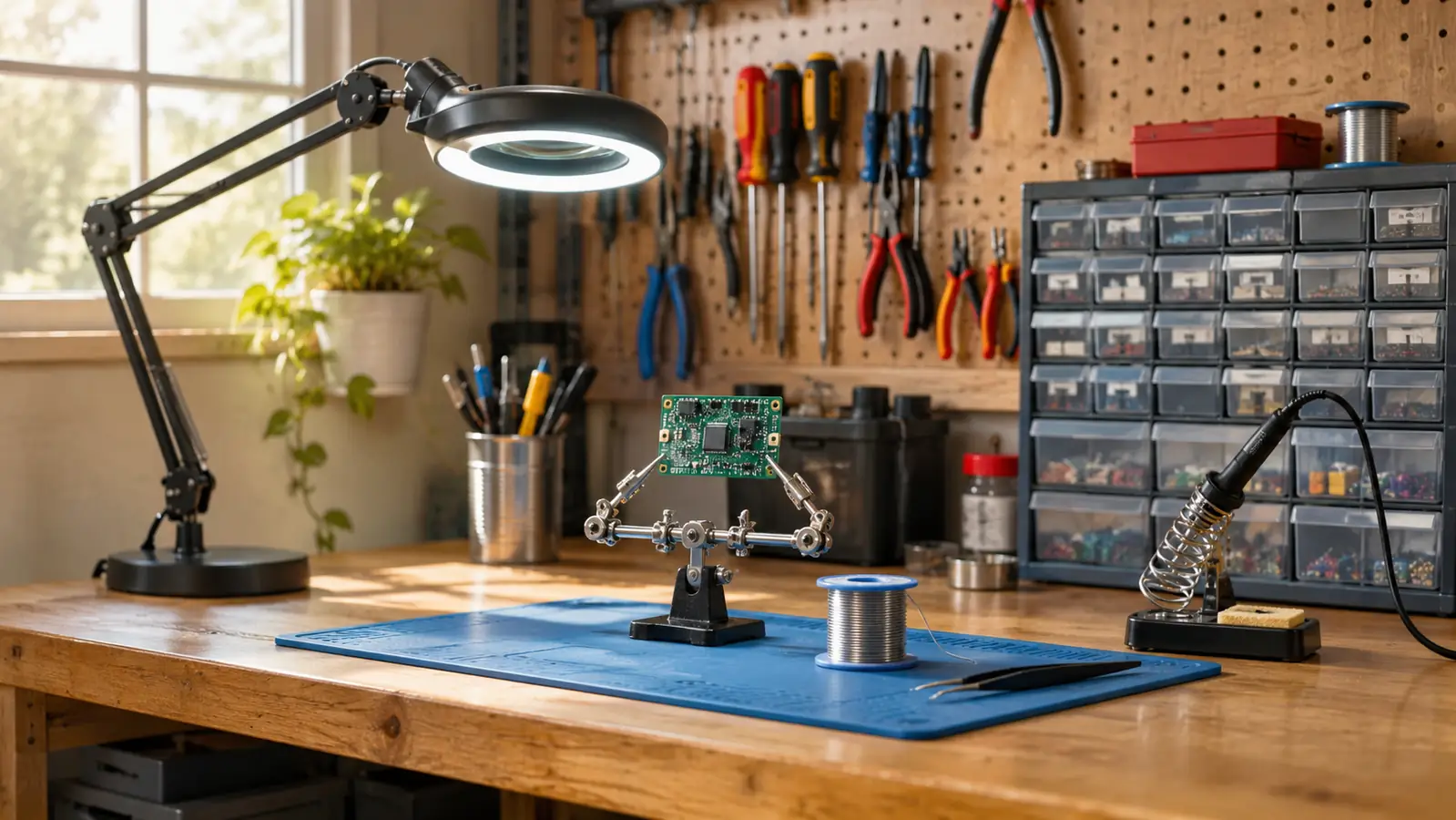
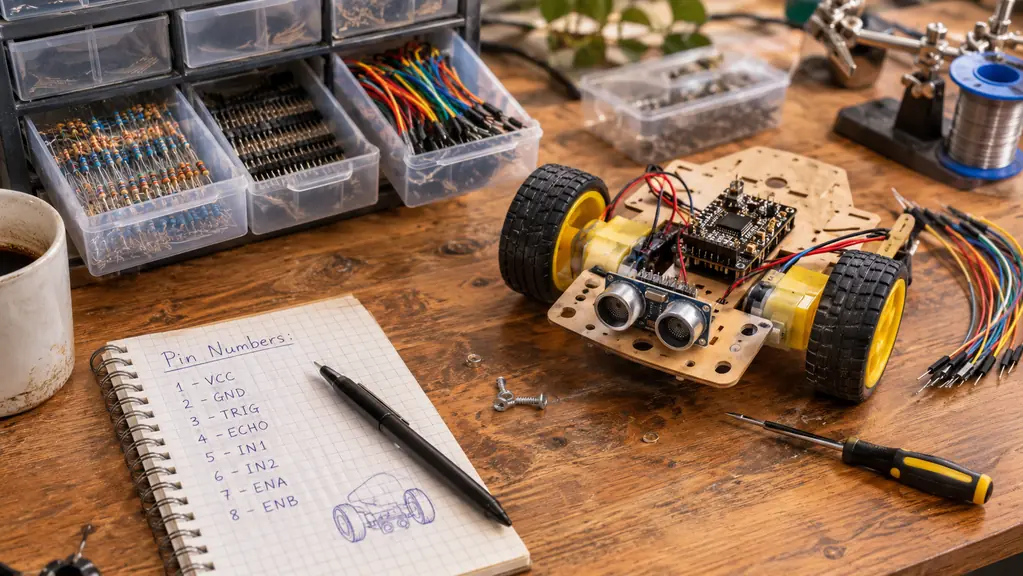
The bench is a six-foot wooden table along the back wall of a two-car garage in Everett, Washington, with a magnifier lamp clamped to the left corner and a parts drawer cabinet to the right. The YIHUA sits between them on a silicone mat, about a foot from the outlet, where the cord reaches without a fight. I measured that spot once with a tape, mostly to settle an argument with myself about whether a base that size would crowd the mat. It did not. There is room for the helping hands in front of it and the solder roll beside it, and the tweezers live in a coffee cup at the corner. Almost everything I solder is through-hole: header pins onto an ELEGOO UNO board, motor leads spliced into the robot car, the occasional connector, or a repair around the house. I use leaded solder and I keep the setting between 650 and 700 degrees Fahrenheit for that work. I go hotter for a ground plane and cooler for a small pad I would rather not lift.
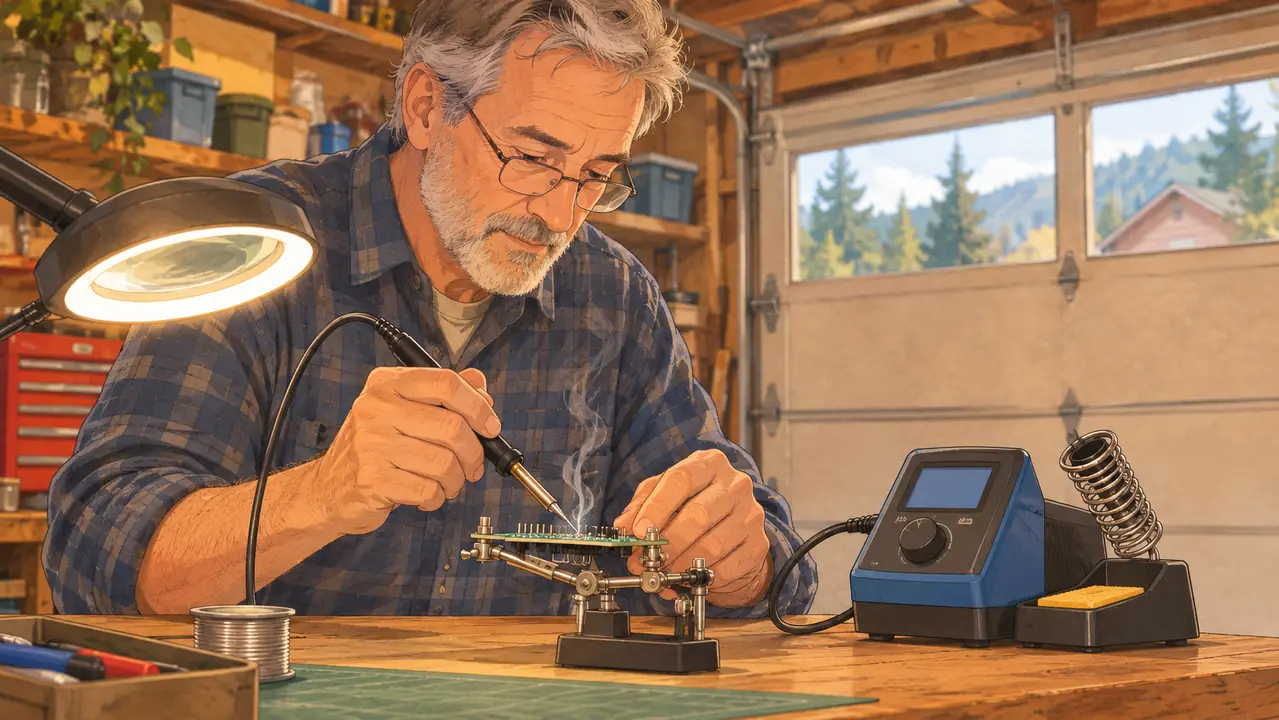
The evening usually goes like this. I switch it on when I sit down, sort the parts I need, and by the time the first resistor is in the helping hands the tip is ready. That is the entire benefit of a controlled station and it is almost impossible to explain to someone who has only used a plug-in iron. The iron does not keep climbing while you think. It comes up to the setting and then it sits there, and because it sits there, you stop rushing, and because you stop rushing, your joints stop looking like gray pebbles. A good example was a Sunday in October 2025, when I had nine header pins to do on a board and about forty minutes before dinner. With the old pencil iron that is exactly the kind of job where the last three pins come out ugly, because the iron is running away from you the whole time. With the YIHUA I set the number once, did all nine rows, and put it to sleep before Carol called from the kitchen.
One thing to say plainly: I do not use it on anything with live mains voltage, and I do not want that read as a recommendation. Board-level work, low voltage, batteries, headers, cables. That is the job it does at my bench, and it does that job all evening without complaint.
What Comes in the Box
The kit is more than an iron. In the box: the station, an iron with a tip already fitted, six extra tips, two helping hands on a weighted base, a roll of lead-free solder, a desoldering pump, a pair of tweezers, and a small wrench for changing tips. The station measures 7.3 inches deep by 4.5 wide by 2.8 tall and weighs 1.8 pounds, so it takes up about the footprint of a hardback book at the back of the bench. It runs on 110 volts, which is what comes out of the garage wall here. The wrench is the piece that looks like an afterthought in the listing and turns out to be the thing you reach for every few months. A tip change is that wrench and about thirty seconds, and I have done it with the station still warm without anything going wrong.
The two things I use most are the ones I did not expect to care about. The helping hands hold a board at an angle so both of mine are free, and I clamp a board in them for every header row now, which is faster than chasing a board around the mat. Before I had them I held boards down with a scrap of wood and a spring clamp, which worked and was miserable. The six extra tips mean I have never once stopped a session because a tip was shot, and I have never had to order a part in the middle of a build and wait a week for it. I should be honest about the solder. The roll of lead-free that came with the kit is still mostly there, because I learned on leaded and I have not switched. That is my habit, not a fault in the kit, and a person starting fresh will use it just fine.
The Display, the Sleep Timer, and the Settings I Actually Change
The display shows the set temperature and the actual temperature, and it switches between Celsius and Fahrenheit without a calculator. The listed range runs from 90 degrees Celsius at the bottom to 896 degrees Fahrenheit at the top, which covers everything on my bench with a lot of room left over. I keep mine in Fahrenheit because 34 years of work paperwork trained me that way. If you think in Celsius, the conversion is a setting change, and you will use it exactly once and then forget the feature exists. The number on that display is what changed how I work, honestly. On the pencil iron I judged heat by how the solder puddled, which meant every new roll of solder and every new board was a fresh guess. Here I pick a number, and when a joint goes wrong I know it was the joint and not the iron, because the iron told me exactly where it was.
Sleep mode is adjustable at 5, 10 or 30 minutes, and mine is set to 10. This is the feature I would argue with you about. A pencil iron left on a bench heats until something gives, and the something is usually the tip or the thing you set it down next to. This one goes to sleep when I stop working, and after two and a half years of getting distracted by dinner, I have stopped thinking about it at all. That is the highest compliment I can pay a timer. It has caught me more than once, and every time it caught me I was already halfway to the kitchen with the iron still warm on its stand.
There is a calibration function as well. I have not needed to run it, which I take as a compliment rather than a gap in this review. If the reading ever drifts, the station gives you a way to correct it instead of making you guess and compensate with your wrist. I would rather have a feature I never touch than need one that is not there.
Where It Earned Its Keep
The work that sold me on it was the ordinary kind: soldering header rows onto small breakout boards for the starter kit parts, splicing leads, and reflowing a cold joint I had made myself. Somewhere in the first few weeks I stopped noticing the iron entirely, which is the whole point. A tool you have to think about is a tool that is charging you attention you needed for the thing you are building.
The other thing the station did was teach me where my own hands were sloppy. In May 2024, working through the starter kit lessons, I wired an LED without its resistor and burned it out. One LED, nothing else, and no harm to anything downstream. With the pencil iron I would have blamed the iron. With a station that holds a number I can trust, there was nobody to blame but me, and that turned out to be the more useful lesson of the two. Once I stopped fighting the tool, the joints started looking like joints.
Around the house it has done the small jobs nobody photographs. A headphone cable in the summer of 2024, a lamp socket that had gone intermittent, a lead on a battery holder, a connector for a garage temperature logger I built on the Raspberry Pi later. Nothing that needed a write-up. Everything that needed to not fail a week after I fixed it. The headphone cable is the one I still think about, because it was three wires the thickness of a hair and I got it on the first try, and I am not a person who gets small things on the first try.
Two Years and Eight Months Later
The YIHUA has been on the bench since March 2024. I am on my second tip. The first one went concave at the point, which is what tips do when you use them, and the spare was already in the box, so the session did not end and I did not have to order anything. The rear of the unit has a metallic mesh guard that keeps a hand from brushing the iron where it rests, and after two and a half years of reaching past it in a hurry I can tell you that guard has earned its place on a crowded bench. I have brushed that mesh twice with the back of my hand, both times while reaching for a part I had already dropped, and both times it did its job.
Nothing has failed. The display is as readable as it was in 2024, the setting has not wandered in a way I could notice across a hundred evenings, and a tip change is the little wrench and about thirty seconds. The one thing I would change is the cord between the iron and the base, which stiffens in cold weather and keeps a memory of how it was coiled. In a garage in January that is a small annoyance, and it is the only one I can name. It has never made me set the iron down and walk away, and I have walked away from plenty of tools.
What I Liked
- Temperature holds where you set it, in numbers, from the first joint of the evening to the last
- Six spare tips and two helping hands mean a session almost never stops for supplies
- Sleep mode at 5, 10 or 30 minutes has saved tips a pencil iron would have cooked
- Small footprint at 7.3 by 4.5 by 2.8 inches and 1.8 pounds, so it fits the back of a shared bench
- Celsius and Fahrenheit switching plus a calibration option, without a trip to the manual
Where It Falls Short
- The cord between the iron and the base stiffens in a cold garage
- The included lead-free solder roll sat mostly unused if you learned on leaded
- No hot air, so surface-mount rework is out of scope
- You will want to try a couple of the spare tips before you settle on one
The iron does not keep climbing while you think. It comes up to the setting and sits there, and because it sits there, you stop rushing.
Who This Is For
Someone with a bench, a drawer of parts, and a reason to solder more than twice a year. If you are learning on an UNO kit, building a robot car, or repairing your own cables, this is the point where a controlled iron stops being a luxury and starts being the thing that teaches you what a good joint feels like. It is also the right first station for a person coming off a plug-in pencil iron, because the number on the display gives you a reference you can repeat instead of a mystery you chase. The YIHUA 926 III is not the only station that does this. It is the one I have two and a half years on, and that is worth something.
It suits a small workspace. Under two pounds and about the size of a hardback, it does not demand a dedicated bench, which matters when your bench is also where the car gets parked on a Wednesday night.
Who Should Skip It
If your work is surface-mount, if you need hot air, or if you already own a station you trust, there is no reason to buy this one. It will not reflow a phone board and it will not replace a proper rework setup, and buying it for that job would leave you disappointed in a tool that is good at something else. If you solder once a year to fix a lamp, a plug-in iron still does that job, badly but adequately, and a station would sit idle in a way that does not repay you.
And if you want a tool that arrives already dialed in for one tip geometry and one kind of solder, understand what a kit is. You will try the spares, you will settle on a temperature, and some of that settling is on you. That is not a defect. It is just the difference between buying an iron and buying a bench tool.
Two years, one tip change, and the same number on the display
Sixty watts, a digital readout, six spare tips and two helping hands. See the current price and everything the kit includes on Amazon.
Amazon Check Today's Price on Amazon →