
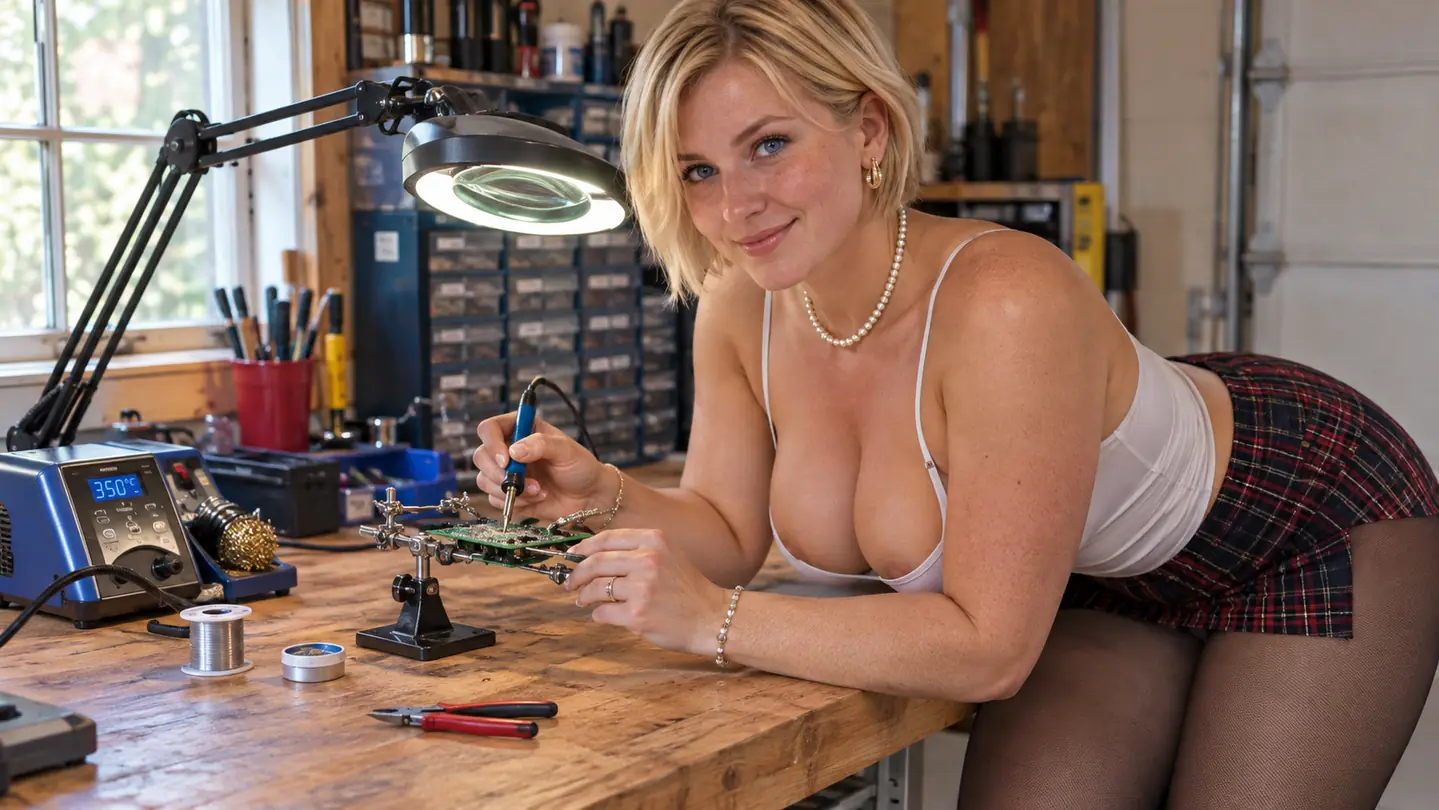
There is a cheap pencil iron in the bottom drawer of my bench, and it has been there since the week the YIHUA 926 III arrived. Thirty watts, no dial, no display. It did fine work on lamp cords and doorbell wiring for years. Then I started building kits, and it stopped being fine. A temperature-controlled station is not a fancier version of the same tool. It is a different tool that happens to look similar from across the room.
I spent 34 years as an aircraft avionics technician before I retired in November 2023, and every bench at the hangar had a station on it. Never a plug-in iron, not once. I assumed that was just because the shop had a budget. It took about a month of hobby soldering in my garage to understand the real reason, and it was not the budget. Here are ten things the YIHUA station does that a fixed-temperature iron simply cannot.
The iron in my drawer is staying in the drawer
Sixty watts, a stated range from 90 C to 896 F, six extra tips, a pair of helping hands and a desoldering pump in the box. It is the one bench purchase I would make again in exactly the same order.
Amazon Check the YIHUA 926 III on Amazon →It matches the heat to the joint instead of the other way around
The pencil iron ran at whatever temperature it worked out to, which on a cold garage morning in Everett is not much and on a warm afternoon is too much. The station gives you a dial and a stated range from 90 C up to 896 F, and I keep mine parked around 650 to 700 F for leaded solder on through-hole parts. A two-pin header and a fat ground plane do not want the same heat. One fixed iron cannot serve both, so you end up rushing the big joint and cooking the small one.
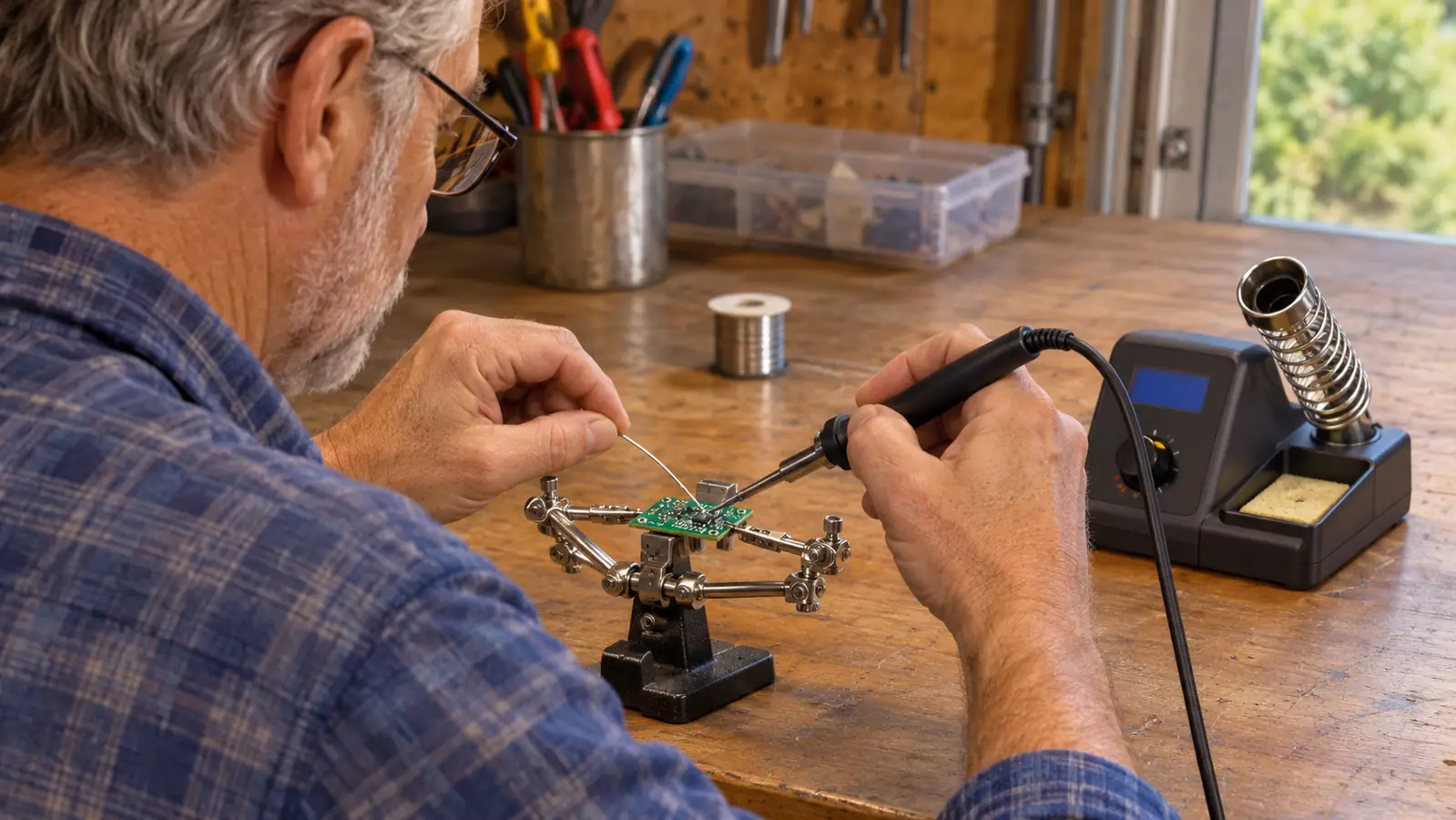
The LED display turns a guess into a number you can write down
With the old iron I judged heat by how fast the solder melted, which is a rotten instrument. The LED display on this station gives you a number to look at instead. That matters more than it sounds, because once you find a setting that works on a particular board you can come back to it next week rather than starting from scratch. It also makes troubleshooting honest. When a joint will not wet, you can check whether you actually turned the heat down last night or whether something else is wrong.
60 watts climbs back fast after you touch a cold joint
The number that matters on a station is not the peak temperature, it is how quickly it recovers after you drain heat into the work. Sixty watts does that better than a 30-watt pencil, and you feel the difference on the second pin of a header, not the first. On the robot car kit I soldered a whole row of header pins without pausing between them and the iron never went quiet on me. With the pencil I used to do two pins, then stand there and wait for it to catch up.
You stop lifting copper pads off the board
Most beginner damage is not caused by a hot iron. It is caused by holding a cold one on the joint too long. You push, the solder refuses to flow, you push harder, and the pad comes up with the tip. A station set correctly wets the joint in a second or two and you get off it. I burned one LED back in May 2024 by wiring it without its resistor, and that was my mistake, not the tool's. But I have not lifted a pad since the YIHUA station went on the bench.
The helping hands hold the board so both your hands stay on the work
Two hands is not enough for soldering. You need one for the iron, one for the solder, and a third for the board that keeps sliding away from you. The YIHUA 926 III ships with a pair of helping hands mounted on the base, and I use them for every header and every wire splice. Line the board up, clamp it down, and both hands are on the actual joint. It turns a fiddly job into a steady one, and steady is most of what good soldering is.
Six extra tips let you swap instead of improvise
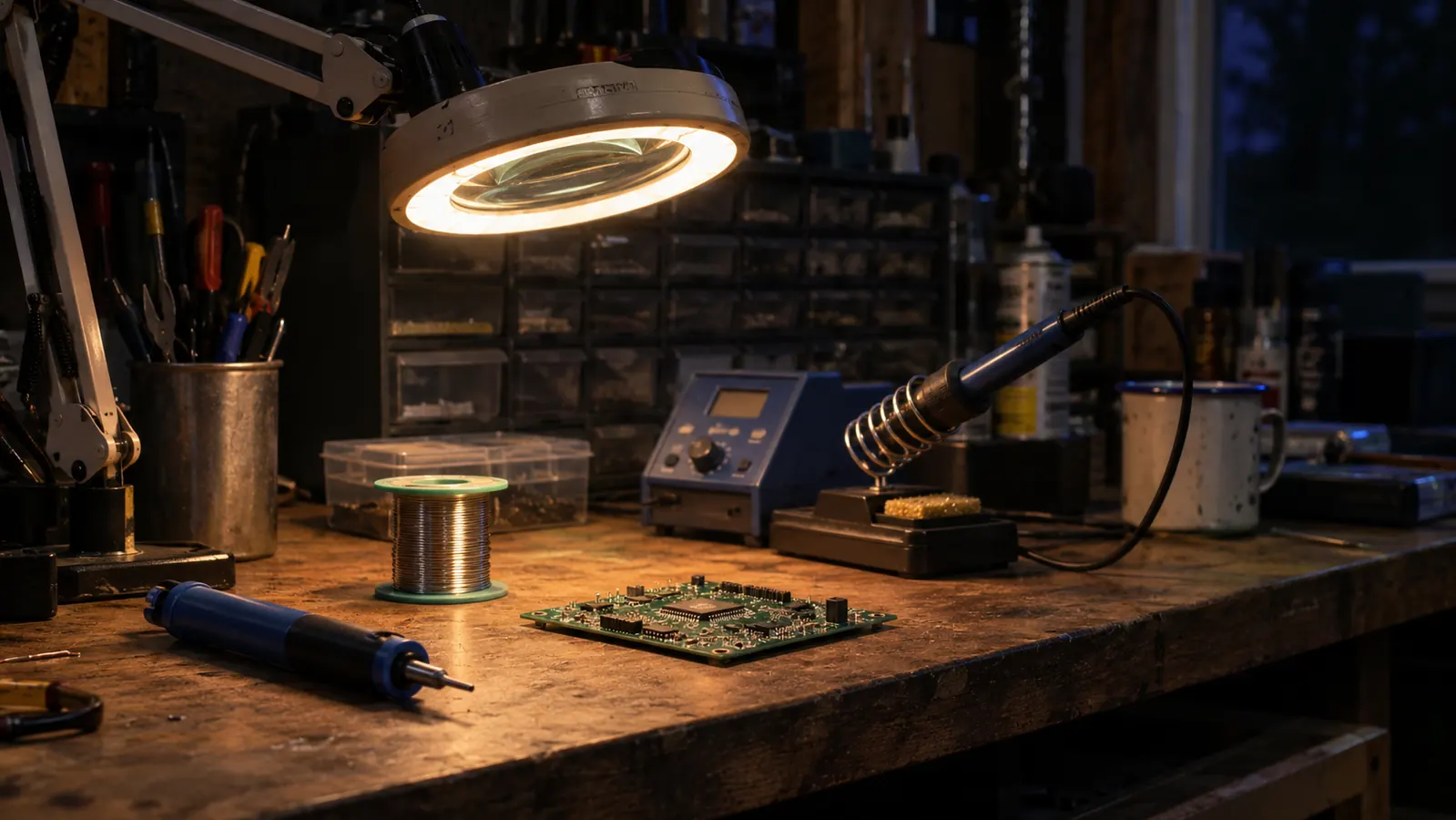
The kit comes with six extra iron tips on top of the one already fitted to the iron. That sounds like a small thing until you are trying to reach a recessed pad with a tip that is too fat to get in there. You change the tip. You do not change your technique and you do not start angling the iron in ways that lift pads. Mine live in the parts drawer cabinet, and I have swapped them maybe a dozen times in two and a half years, always for the same reason: the joint was somewhere awkward.
Adjustable sleep mode saves the tip when you get distracted
Sleep mode on this station is adjustable at 5, 10 or 30 minutes. I set mine at 10, because I am the sort of person who stops to look something up in a datasheet and comes back twenty minutes later. An iron idling at full heat oxidizes a tip and shortens its life for no benefit at all. The station drops into sleep instead of sitting there cooking. It is a small feature that pays for itself in tips you never have to replace, and it asks nothing of your memory.
The rear protective mesh keeps the hot end away from your forearm
This is the one I did not expect to care about. There is a metallic protective mesh at the rear of the station, near where the iron sits, and it stops you from accidentally contacting the iron when you reach past it for a part. My bench is six feet of wood along the back wall of the garage and I reach across it constantly. Small guard, real elbow room, and I have not touched a hot iron since I set this station up in March 2024.
C to F conversion and calibration support keep the readings honest
The station handles C to F conversion, which matters when half the tutorials you find online are written in one unit and half in the other. More useful over the long haul is calibration support. Any iron drifts a little after a couple of years of use, and being able to correct the reading means the number on the display keeps meaning what it says. The alternative is what I did with the pencil iron for years, which is quietly compensating with my hands and never knowing why a board was fighting me.
It arrives with the boring accessories already in the box
The kit includes a desoldering pump, a pair of ESD-safe tweezers, a roll of lead-free solder and a mini wrench, on top of the helping hands and the six extra tips. Bought one at a time, those are four separate orders across three separate weeks, which is how a simple project ends up stalled on a workbench. The whole unit measures 7.3 by 4.5 by 2.8 inches and weighs 1.8 pounds, so it holds its place on the bench instead of skating around every time you pull the iron out of the holder.
What I'd Skip
What I would skip is not the station. It is everything people buy around one before they have soldered a single joint. Do not stock up on a pile of specialty tips before you know what you actually build, because the six in the box cover through-hole work on every kit I have assembled. Do not keep a cheap plug-in iron around for quick jobs, because you will not use it once the station heats up and you have stopped dreading the setup. And do not talk yourself into hot-air rework gear for a starter kit. None of the five kits on my bench have needed it. The YIHUA station, a roll of solder and something to hold the board is the whole list for a long time.
The pencil iron ran at whatever temperature it worked out to. The station runs at the temperature I picked, and that is the entire difference between guessing and knowing.
Buy it before your first header pin, not after your first lifted pad
Sixty watts, 90 C to 896 F, six extra tips, helping hands, a desoldering pump and ESD-safe tweezers. Two and a half years on my bench and nothing has needed replacing but the solder.
Amazon Check today's price on Amazon →