
Two years and eight months ago I bought the YIHUA 926 III for one reason. My old soldering setup was a single 30-watt pencil iron from a hardware store, no temperature control, a tip I had never replaced, and a cord with a permanent kink in it. I had just finished 34 years of avionics work, most of it chasing intermittent faults through aircraft wiring harnesses, and I wanted a bench of my own. What I did not want was to spend avionics money to get one.
So I read the listings the way I used to read wiring diagrams, ordered the YIHUA 926 III in March 2024, and have used it most weeks since. What follows is the part the five-star reviews skip. Where the kit is genuinely good. Where it is a pile of things you will never touch. And the one habit it taught me that had nothing to do with the station itself.
The Quick Verdict
A steady 60-watt station with six spare tips that earn their keep, held back by a light helping-hands rig and a display that reports the setpoint instead of the tip.
Amazon Check Today's Price →If you are going to buy one, buy the one I actually ran for two years.
Same listing, 60 watts, six extra tips, and a sleep mode you will want to understand before it surprises you on a Tuesday night.
Amazon Check Today's Price on Amazon →How I've Actually Used It, and What That Proves
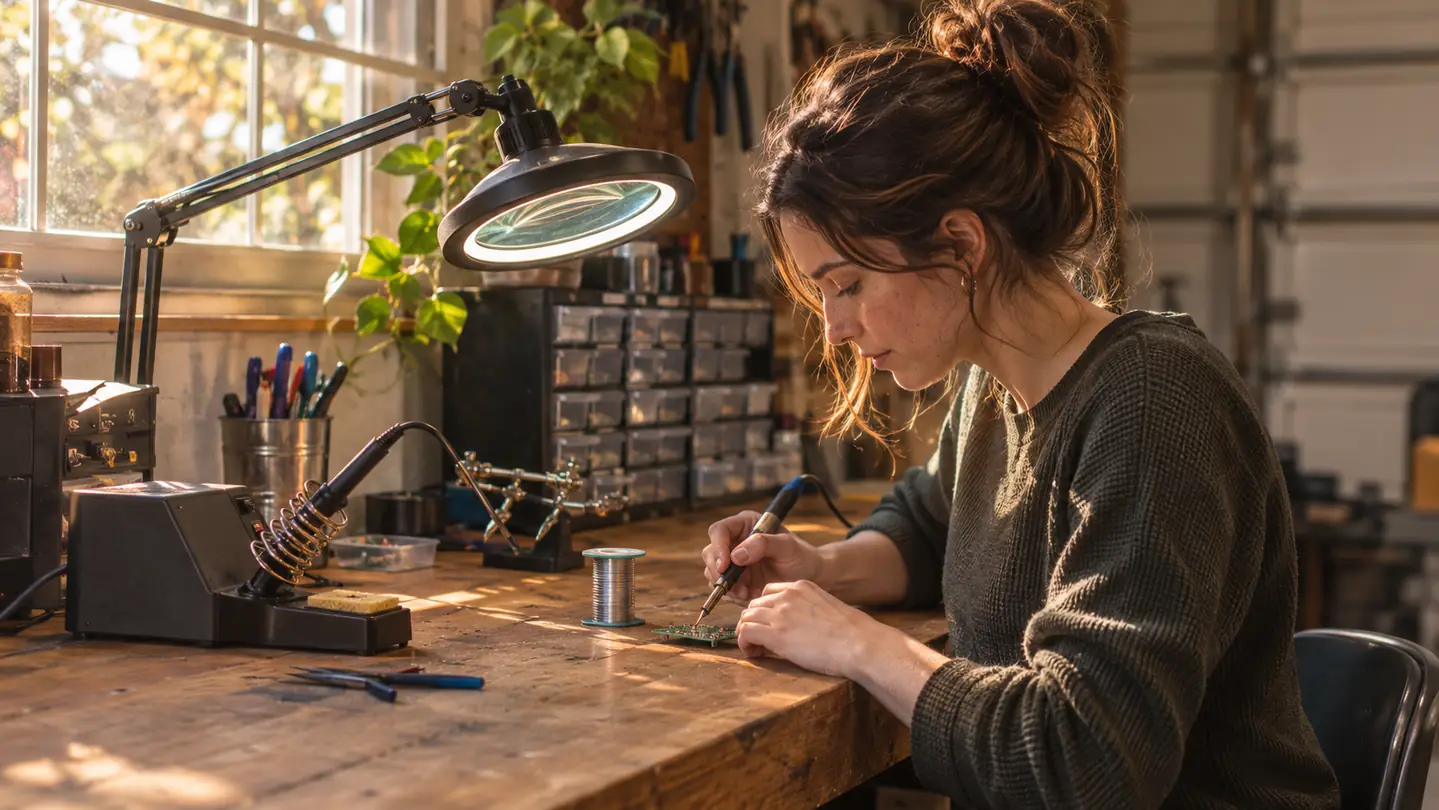
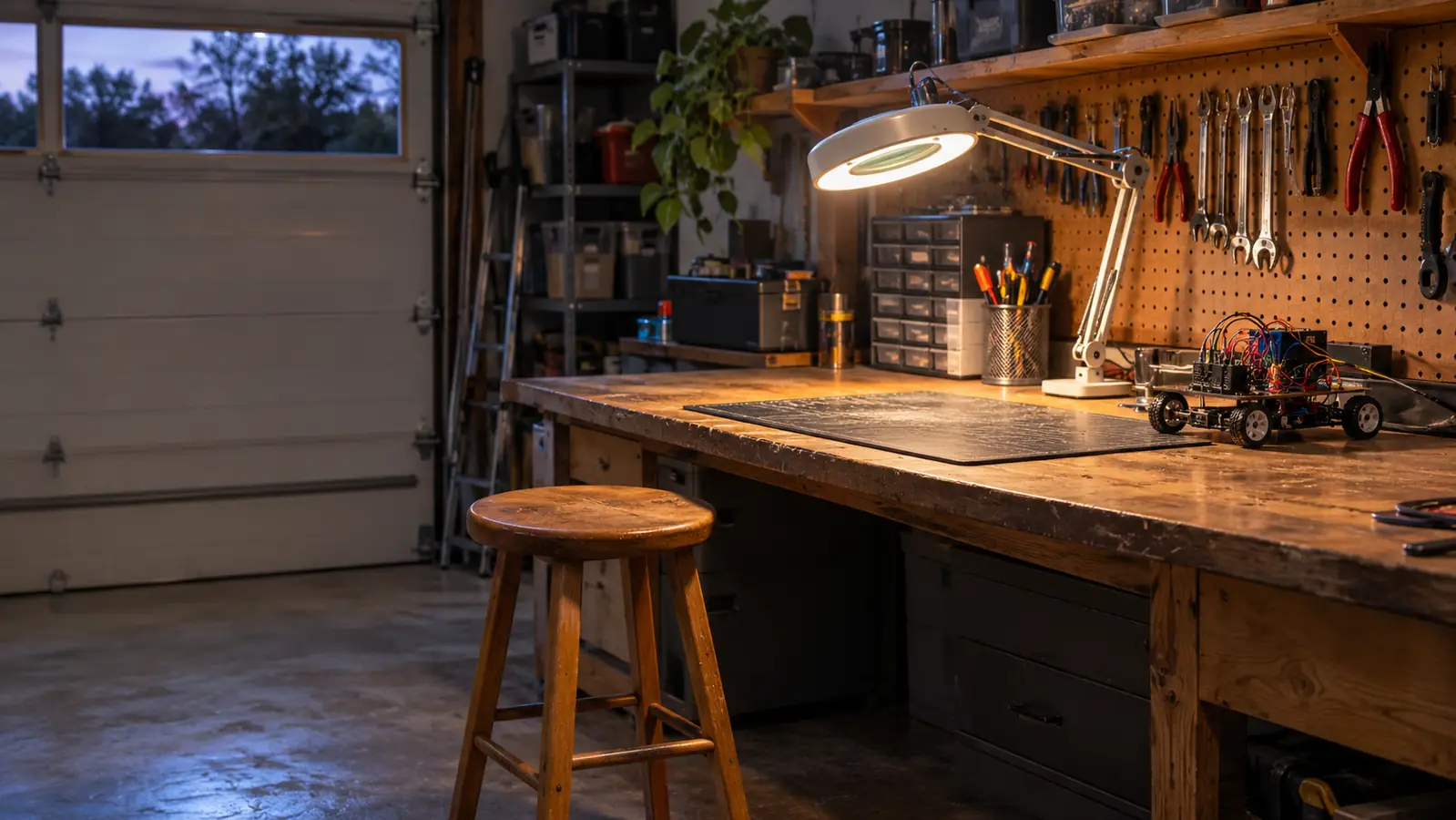
The station sits against the back wall of the garage on a six-foot wooden bench, next to a magnifier lamp and a drawer cabinet of resistors I have been slowly alphabetizing for three years. The base measures 7.3 by 4.5 by 2.8 inches and weighs 1.8 pounds, so it takes up roughly the room of a hardback lying flat. It has not moved since I set it down. That is not a compliment or a complaint. It is a base unit. It is supposed to stay put.
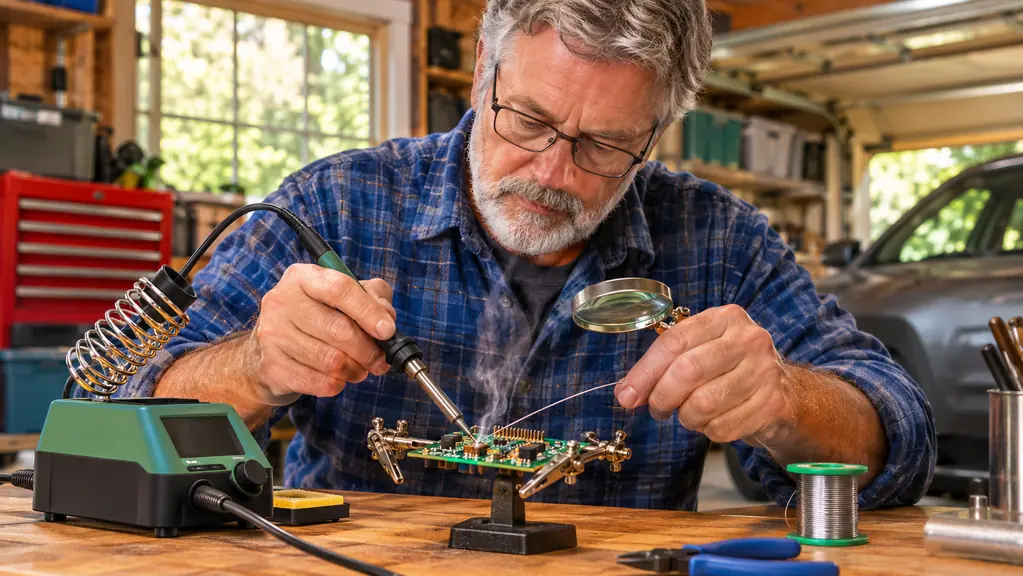
What it does, mostly, is through-hole work. Header pins on a board, splicing 22-gauge wire, reflowing a cold joint I made myself on a sensor header, replacing a barrel jack on a motor shield. Leaded solder, 650 to 700 °F, which is where I have lived for two years and eight months. I use the included helping hands for anything with more than four pins, because two hands is not enough and I got tired of burning my thumb knuckle.
What that proves, and what it does not. It proves the station holds up to steady hobby use by one careful man who does not work fast. It does not prove anything about surface-mount work, because I have not done any on it. I have not dragged solder across a fine-pitch chip, I have not worked under a microscope, and I have never needed the top of the temperature range. If that is your work, this is the wrong review and probably close to the wrong station.
One job I remember because it nearly went badly. A motor shield with a barrel jack that had torn its pads off the board. I had to clear the holes, which is what the included desoldering pump is for, then seat the new jack and flow four joints without cooking the plastic body of the connector. On the old pencil iron I would have fought that for twenty minutes and lifted a pad. On the station it was four joints at 700 °F, done before my coffee went cold, because the heat was there when I asked for it and gone the second I pulled the tip away.
The honest summary of two years and eight months is short. The station has never failed to heat. It has never thrown an error I could not explain. It has never needed a repair or a part. Every bad joint on my bench in that time was mine, and I can usually tell you which one and why.
Heat, Recovery, and What the Number on the Display Actually Means
Sixty watts is not about how hot the tip can get. It is about what happens in the second after you touch it to a joint. A 30-watt pencil iron has almost no reserve. Put it on a through-hole ground pad and the pad pulls heat out faster than the element can replace it, so you stand there with a dull gray joint that refuses to wet, adding solder and time and heat, and eventually you lift a pad. That was my old iron, and I did not know how much I hated it until I stopped using it.
The YIHUA dips and comes back. Not instantly, and not without a small sag you can watch on the readout, but it recovers instead of stalling. That single difference is why I stopped dreading ground pins. It also made my joints faster, which meant my insulation stopped melting, which meant my wire splicing stopped looking like a crime scene.
Now the part nobody puts in the listing. The number on the display is the number you asked for. It is not a measurement of the tip. Every station at this end of the market works that way, and the YIHUA is no better or worse than its neighbors, but a beginner reads 700 on the screen and believes the tip is at 700, then wonders why a big ground plane takes a second and a half to wet. The station supports calibration, and there is a C to F conversion so you can work in whichever scale matches the spool in front of you, but calibration only helps if you own a separate tip thermometer to calibrate against. I do not. So I set it, I look at the joint, and I adjust.
The listing gives a range from 90 °C at the bottom to 896 °F at the top. I have used neither end. My work lives in a narrow band and always will, and I would rather tell you that than pretend I have an opinion about the extremes.
Tip shape matters more than most beginners expect, and the six-tip set is where that becomes obvious. A wide chisel holds heat and dumps it into a joint fast. A fine point holds almost none and gives it up the moment it touches copper. When somebody tells you their station will not melt solder on a ground pad, most of the time they are using a needle tip on a job that wants a chisel. I learned that at work, not from this kit, and I would have paid real money for the lesson at 25.
There is also a sleep mode, adjustable at 5, 10, or 30 minutes, and this is where I nearly cost myself a return. About a month in, the station went dark in the middle of a harness. I thought the element had died. It had gone to sleep. My fault, not YIHUA's, but it is exactly the kind of thing that makes a first-time buyer box it up and write a one-star review about a station that is working perfectly.
The Bundle: What Earns Bench Space and What Lives in a Drawer
The kit ships with two helping hands, six extra iron tips, a roll of lead-free solder, a desoldering pump, a pair of ESD-safe tweezers, and a mini wrench. Six of those I use. The honest split is below, and the wrench is the one I could lose tomorrow and not notice until I needed it.
The six extra tips are the best part of the bundle and the reason I would take the kit over the bare station. One tip is not enough. You want a wider chisel for tinned wire and a fine point for a header pin, and swapping tips mid-project is how you burn twenty minutes and lose your place in the diagram. Six tips means the right shape is already in the holder when the job changes.
The solder is where beginners get ambushed. The roll in the box is lead-free, which is the responsible choice and a harder material to learn on. It needs more heat, it does not flow as eagerly, and it leaves joints that look cold when they are perfectly fine. A new person uses the included solder, gets a lumpy joint, and blames the station. I switched to leaded solder for through-hole work years ago and I set the station at 650 to 700 for it. If you are new, get a small roll of leaded 63/37, ventilate the garage, and wash your hands after. Learn on the easy solder first.
The helping hands are the weak link. They work, and I use them for headers and wire splicing almost weekly, but the base is light and the arms drift if you look at them wrong. For a small board they are fine. For anything with weight in it, I clamp the board to the bench and use the helping hands for the wire instead. They are a bonus, not a reason to buy.
The desoldering pump is a pump. It clears a through-hole joint in one or two presses and it is close to useless on anything fine, which is true of every pump at this size. The ESD-safe tweezers are straight and fine-tipped and I use them more than I expected, mostly to hold a resistor while I bend a leg. The mini wrench has seen duty twice, both times on the tip collar, and it did the job both times.
What I Liked
- Holds heat through a through-hole ground pad instead of stalling, which is the entire point of 60 watts
- Six extra tips in the box means the right shape is already in the holder when the job changes
- Sleep mode adjustable at 5, 10, or 30 minutes saves tips when you walk away mid-project
- Small footprint at 7.3 by 4.5 by 2.8 inches and 1.8 pounds, so it actually stays on the bench
- Two years and eight months of steady use with no failure, no repair, no replacement part
Where It Falls Short
- The display reports the setpoint, not the measured tip temperature, which misleads a beginner
- Helping hands are light and the arms drift on anything heavier than a small board
- Included solder is lead-free, a harder alloy to learn on than the station deserves
- Sleep mode will look like a failure if you do not read about it first
- Fine tip needs tinning every few joints to keep wetting properly
What Still Bothers Me, and the One Detail I'd Defend
The one design detail I would defend to anybody: the metallic protective mesh across the rear of the station, which keeps your hand off the iron when you reach past it for pliers without looking. In 34 years of avionics work I saw more minor burns from reaching than from any actual soldering. It is a small thing done right, and it is the kind of thing you only notice when a station does not have it.
What bothers me: the fine tip needs tinning every few joints or it stops wetting, and nothing in the box tells you that. It is not a defect. It is how fine tips behave. But the sleep mode and the calibration support are printed right on the packaging and neither is explained anywhere a beginner will look, so the two features most likely to confuse a new owner are the two with the least instruction attached.
Second annoyance, and this one is bigger. The kit does not teach you to solder. It gives you the tools and the solder and then lets you make a cold joint and wonder what went wrong. No kit fixes that. You need to watch somebody do it, or read a page about heat transfer, or ruin twenty practice joints on a scrap board. The station is not the lesson. It just stops being the obstacle.
Third: the iron carries more mass in the handle than a pencil iron, so the first hour feels clumsy if that is all you have known. That is physics, not a fault. You get over it inside a week.
Last, the honest cost of a habit. A station like this makes a bad joint obvious, because you can change one variable at a time. Set the temperature, hold the tip, watch what the solder does. That sounds small until you have spent a year guessing with a pencil iron that was always either too cold or too hot and never told you which. The station does not make you good. It makes the feedback legible, and legible feedback is how anybody gets good at anything.
Two years and eight months, one station, no failures. Every bad joint on my bench was mine, and I can usually tell you exactly which one.
Who This Is For
If your work is through-hole, this is the station I would put in your hands. Header pins on a board, a robot chassis harness, a barrel jack, a wire splice inside a case, a joint on a kit you built two years ago and never quite trusted. That is the work this station was built for and it does it without drama.
It also suits one specific kind of frustrated beginner: the person who has been soldering with a plug-in pencil iron, cannot work out why the joints come out gray and lumpy, and has quietly decided the problem is them. Sometimes it is the solder. Sometimes it is the tip. Often it is that a 30-watt iron has no heat reserve and the joint pulls the heat out before the solder can wet. A station fixes that part of the problem in an afternoon.
And it suits the person who works at a bench and stays there. The footprint is small enough to leave out permanently, which matters more than people admit. A tool you have to unpack is a tool you stop using.
Who Should Skip It
Skip it if you are doing surface-mount work under magnification. I cannot speak to that work on this station because I have not done it, and a review that pretends otherwise is not worth your time. If you are placing parts smaller than a grain of rice, you want a different tool and probably a different budget.
Skip it if you need to carry an iron to a job. This is a base unit with a cord and it lives on the bench. A pen-style iron is the tool for a repair in somebody else's driveway, and I have never owned one, so I will not pretend to rank them against this.
Skip it if you solder twice a year and only ever join two wires on a trailer light. A cheap pencil iron does that job and you will not miss the station. Buying capability you do not use is not a virtue, and I say that as a man with three multimeters.
And skip it if what you want from a box is to be taught. The YIHUA ships tools and solder, not instruction. The sleep mode and the calibration support are on the label and barely explained, and the included lead-free solder is a harder material to learn on than the station deserves. If you want a lesson, buy a scrap board and a roll of leaded solder and ruin twenty joints. The station will still be there when you are done, and it will not have been the thing holding you back.
Two years and eight months later, I would buy it again. Same listing.
60 watts, six spare tips, sleep mode you will learn to appreciate, and a footprint that fits a garage bench. Confirm the kit contents and the current price before you order.
Amazon Check Today's Price on Amazon →