
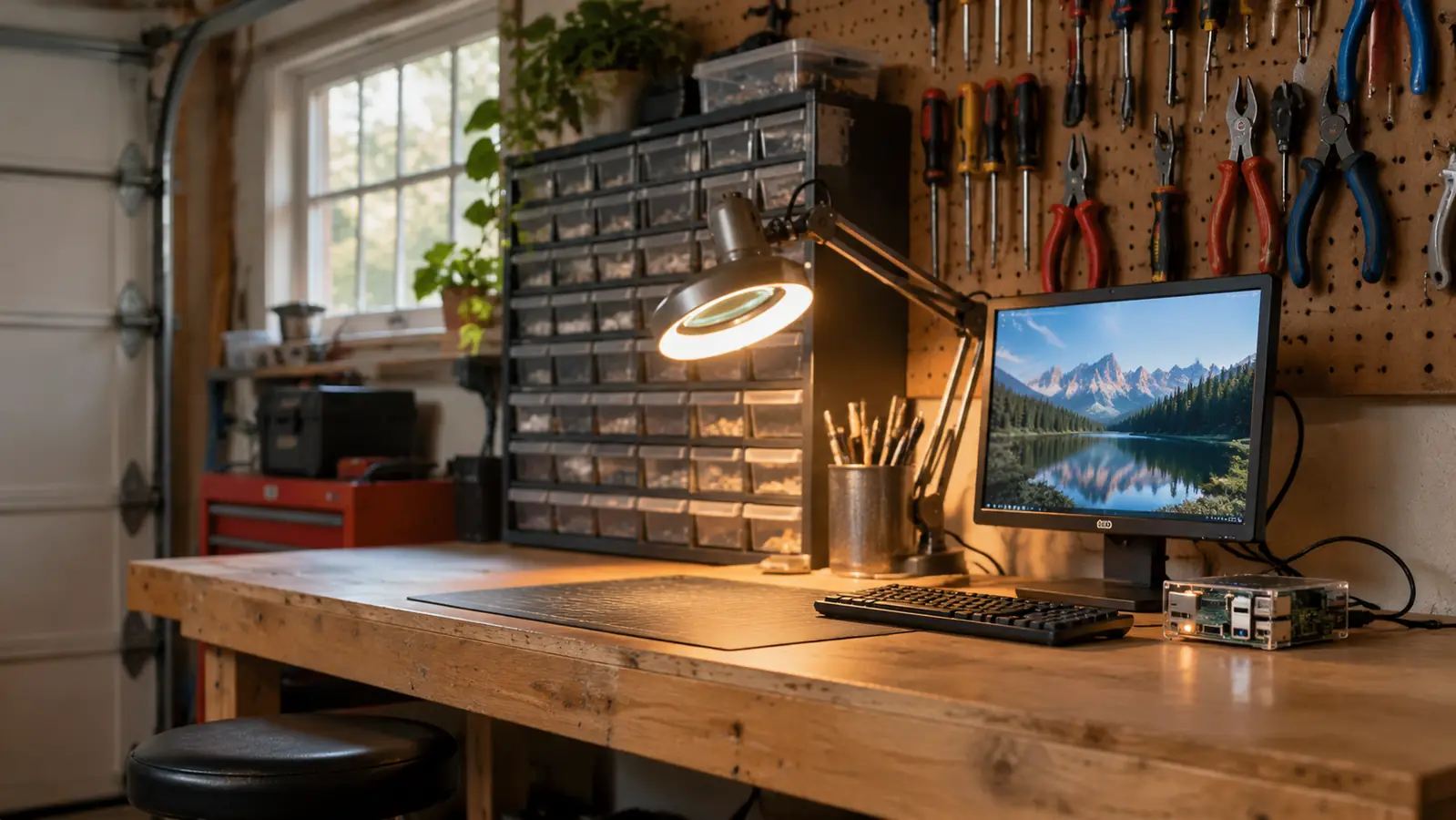
I bought the CanaKit Raspberry Pi 4 Starter PRO Kit in October 2024 for one reason. I wanted something on my bench that ran a real operating system, not another sketch uploaded to a board and forgotten by Thursday. Thirty-four years of avionics work taught me to distrust anything that only works once. I wanted to see whether a small computer could earn a permanent spot at the right end of a six-foot bench. Two years and one month later it is still plugged in, still sitting in its case with the fan running, and I have a more complicated opinion of it than the listing deserves.
Here is the honest version up front. The hardware is good and every part matched what the listing promised. The friction is somewhere else, in the gap between a box of correct parts and a person who has never opened a Linux terminal. That gap is what this review is about, because it decides whether your kit gets used or ends up in a drawer next to my old pencil iron.
The Quick Verdict
A well-chosen box of parts that removes the power-supply guesswork. The operating system is still yours to learn.
Amazon Check Today's Price →The parts are right, which is rarer than it should be.
CanaKit includes the 3.5A supply, the pre-loaded card and the matched case fan, the three things first-time buyers get wrong. Check the current listing to confirm what ships in the box today.
Amazon Check Today's Price on Amazon →How This Kit Ended Up on My Bench
My first microcontroller was an ELEGOO UNO board in April 2024. I worked through the tutorial lessons in order over about four months of evenings and learned a great deal from them. What that board did not give me was a machine with a file system, a login prompt and software that survives a power cycle. Every project reset the moment I unplugged it. So in October 2024 I bought the CanaKit kit, set it up beside a small spare HDMI monitor and a USB keyboard I already had in the garage, and gave it a job.
I want to be plain about my starting point. I had never owned a Raspberry Pi of any kind before this one. My working life was aircraft systems, wiring harnesses and circuit boards, not hobby boards. I could read a schematic long before I could spell Linux. If you are further along than that, some of what follows will be obvious to you, and the parts that slowed me down will not slow you down at all.
What CanaKit Puts in the Box, Plainly
The listing is accurate, which sounds like a low bar until you have bought three kits in a row that were not. Inside is a Raspberry Pi 4 Model B with 4GB of RAM, a 1.5GHz 64-bit quad-core Broadcom processor and LPDDR4 memory. The whole package weighs in around 1.1 pounds. That board is the same board you would buy on its own, and that matters, because some kits quietly substitute a lesser variant and hope nobody checks.
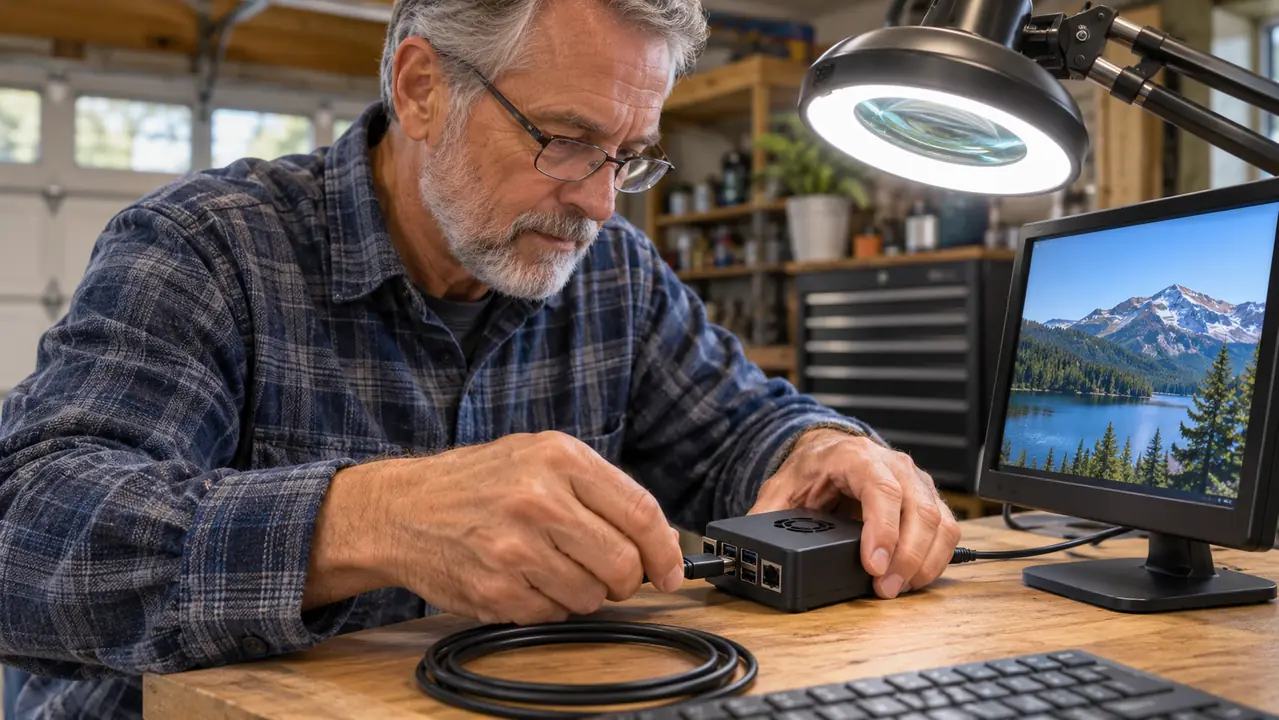
Around the board, CanaKit includes the parts that trip up first-time buyers. There is a pre-loaded 32GB EVO+ micro SD card, Class 10, plus a USB micro SD card reader so you can reimage the card from your laptop without hunting for an adapter at nine at night. There is a premium high-gloss case with an integrated fan mount and a low noise bearing fan matched to it. There is a 3.5A USB-C power supply with a noise filter, a set of heat sinks, a 6-foot display cable and a USB-C PiSwitch, which is an inline on and off power switch.
That list is unglamorous and it is exactly why the kit deserves a look. The power supply is the part people get wrong. A phone charger with a USB-C plug is not the same thing as a 3.5A supply built for this board, and the failures that come from under-powering show up as random reboots that look like software faults for a week. CanaKit solving that in the box saved me a bad evening, and I have had enough bad evenings at a bench to appreciate a saved one.
Setting It Up: The First Weekend
Setup took me one Saturday morning and I am not fast. I connected the display cable, plugged the keyboard into a USB port, seated the micro SD card, and switched on with the PiSwitch. It came up to a desktop. I did not have to hunt for a driver and I did not have to guess at a power rating. The pre-loaded card did exactly what the listing said it would do, which after a few decades of optimistic product literature is a pleasant surprise.
The confusion started after that, when I had a working machine in front of me and no plan for it. I spent the first two evenings learning where things live. How to open a terminal. How to keep the system updated. How to shut down cleanly instead of pulling the plug like it was a lamp. If you have done any of that before, you will move faster than I did. If you have not, budget a week of evenings and do not read that as a warning. Read it as a schedule.
The Parts Nobody Photographs
The case is the first thing that will test your patience. It is a snap-together shell with an integrated fan mount, and it fits properly once it is together, but the micro SD card slot and the side ports have to line up before the halves seat. I did it twice, slowly, on a bench mat under good light. Force it and you will be ordering a replacement case. That is not a defect. It is a plastic part doing what plastic parts do, and it deserves a mention because nobody photographs the ten minutes of fiddling.
The heat sinks are the second. You get a set, they are small, and they attach with adhesive. You get one honest attempt at placing each one. Line them up dry first, look at the board from the side, then commit. I have seen these end up crooked on another fellow's board and stay crooked forever, because pulling one off to correct it defeats the purpose of putting it on.
The fan is quiet for what it is, but quiet is not silent. On a garage bench with the door shut I can hear it from three feet away. It has run continuously for two years and it has not developed a rattle, so I will take that trade every time. Just do not plan to record audio next to it and expect a clean track.
And the power switch deserves its own warning. The PiSwitch is a switch, not a shutdown. It cuts power at the cable. If you flip it while the operating system is running, you are pulling the plug on a live file system, and the micro SD card is what takes the damage. Shut down properly from the menu first, then switch off. I spent thirty-four years pulling power on equipment that did not care. This one cares.
What I Liked
- 3.5A USB-C power supply with a noise filter, the part bargain kits most often get wrong
- Pre-loaded 32GB EVO+ card plus a USB card reader, so reimaging is a five-minute job
- Case has an integrated fan mount and the low noise bearing fan has run two years without a rattle
- The USB-C PiSwitch saves reaching behind the bench for the cable every time
- Every part matched the listing, board included, and I have replaced nothing
Where It Falls Short
- The case is fiddly to seat around the ports and the card slot, and it wants patience
- Heat sinks are one-shot adhesive with no second attempt
- The fan is audible in a quiet room
- The PiSwitch is a hard power cut, not a safe shutdown, and the card pays for a mistake
- No curriculum. The learning is a separate project you take on yourself
Two years, one fan, no rattle, no corrupted card. The hardware has been the least interesting part of owning it, and from me that is a compliment.
Two Years In: What Held Up
The board has never faltered. It runs the same install I set up in the fall of 2024, patched along the way, and it boots to a login prompt every time I ask it to. The power supply has not browned out under load. The card has not corrupted, which I credit to shutting it down properly and to the fact that a Class 10 EVO+ card is the right part rather than the cheap part. Nothing on this kit has been replaced. Not one item.
Two jobs have kept it busy. The first is learning, which for me means Python and the basics of getting around a Linux system without breaking it. The second is a small logger I wrote myself that records the temperature in the garage. Carol asked me what the thing actually does, and my first answer was not good enough, so I rewrote it. It runs a program I wrote and it keeps a record. That is what it does, and it does it every day without being asked.
What wore on me was the desk footprint. A small monitor, a USB keyboard, a display cable and a power cable all converge on a board the size of a deck of cards, and the result looks like a nest no matter how carefully I dress the wires. The 6-foot display cable is longer than I need at the bench, so it coils behind the monitor. I would rather have too much cable than too little, so that is a note and not a complaint.
The 32GB card also filled up faster than I expected once I started installing packages and keeping a couple of Python environments around. That is arithmetic, not a fault, and the reader should know it going in. The card reader in the box is what makes the fix easy, and it is the sort of inclusion that tells you somebody at CanaKit actually used the product before shipping it.

What the Kit Does Not Teach You
Here is the part I would tell a friend across the bench. The kit gets you a working computer, and a working computer does not come with a curriculum. Every one of the five bullet points on the listing describes hardware. Board, card, case, fan, supply, heat sinks, cable, switch. The learning is a separate project you take on with whatever guide you trust, and that is the honest reason some of these kits end up on a shelf next to a half-finished robot.
The other thing it does not do is teach electronics. If you want to understand a voltage divider or watch a resistor do its job, that is a different purchase with a breadboard, jumpers and a pile of components. Check the listing carefully before you order if that is what you are after. The board has a GPIO header and it is there for you, but I will be straight with you and say I have not used it. My electronics learning happened on a different board, and it is still happening.
Where the Money Goes
People ask whether the kit is worth buying against assembling the same parts one at a time. I have priced the pieces individually out of curiosity, and my honest answer is that the difference is smaller than the internet suggests and it disappears entirely once you count the evenings. Buying separately means four or five orders, one of which will be the wrong power supply, and a case that arrives without the fan mount you assumed it had.
The kit also spares you the specific failure mode that hits beginners hardest, which is a supply that is almost right. I have watched that problem eat an entire weekend on somebody else's bench. You chase a reboot you believe is a software problem, you reinstall twice, and the real answer is a supply that cannot hold the current. The 3.5A unit with the noise filter removes that whole class of misery from your first month.
The current price on the listing covers a board, a card, a reader, a case, a fan, a supply, heat sinks, a cable and a switch. Whether that is a fair trade is a judgement you have to make against your own budget, and I am not going to make it for you. My judgement after two years is that I would buy this one again, and I would buy the same one, because I have not had to troubleshoot a single hardware fault in twenty-five months.
Who This Is For
This suits the person who has decided they want a small Linux computer and wants the power side handled by somebody who knows what they are doing. It suits a beginner who is willing to read, ask questions on forums and spend a few evenings being confused. It suits a hobbyist who wants a second machine for a small job that needs to run unattended. And it suits anybody who has already been burned once by a bargain kit with a weak supply.
It also suits somebody like me, which is to say a retired technician who is comfortable with hardware and rusty on software. The hardware side of this kit raised no questions at all. The software side raised dozens, and I answered them one at a time with a monitor, a keyboard and a search engine, which is the whole method.
Who Should Skip It
Skip it if you already have a monitor, a keyboard, a mouse and a suitable supply on the shelf and you know exactly which board you want, because then you are paying for convenience you do not need. Skip it if what you actually want to learn is electronics rather than computing, because your money is better spent on a breadboard and a pile of parts. And skip it if you expect the box to teach you. It will not, and resenting a good board for that is a waste of a good board.
Skip it too if you need a machine that runs a heavy desktop without patience. Four gigabytes of LPDDR4 is enough for a lightweight Linux desktop and a terminal, and it is not enough to pretend you have a full workstation. I knew that going in. Somebody reading the listing at midnight with a credit card might not, and that is the single most useful thing I can tell them.
If you want the power side solved, this is the box I would hand you.
Two years on my bench. Nothing replaced, nothing corrupted, one fan still running without a rattle. Check the current listing for what ships today and read the case notes above before you start.
Amazon See the CanaKit Pi 4 PRO Kit on Amazon →