
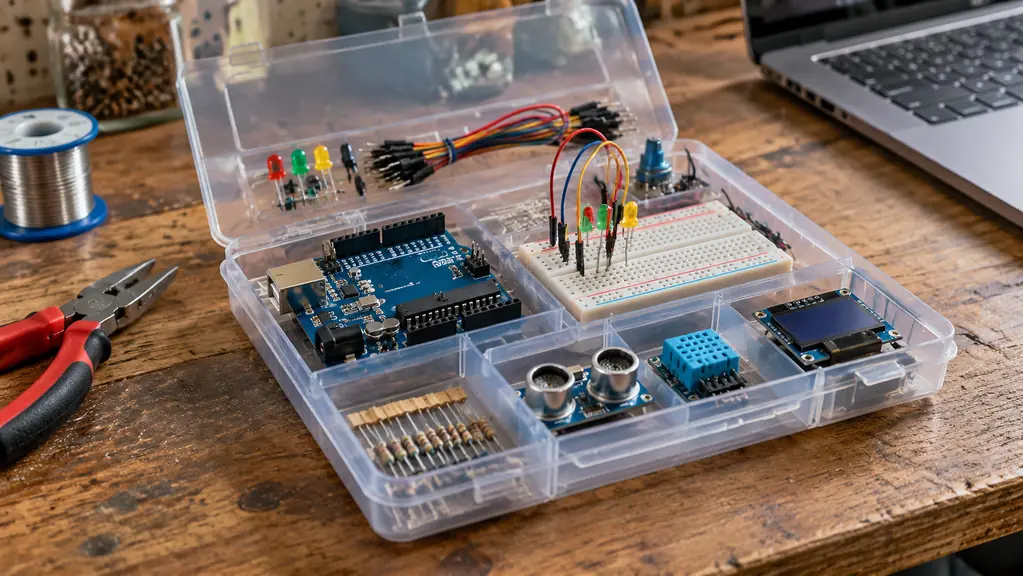
The question I get most at the bench is not which board to buy. It is whether a person in their sixties with no coding background can start electronics at all without wasting a season and a shelf of parts. I bought the ELEGOO UNO R3 Project Super Starter Kit in April 2024, five months after I retired from 34 years of aircraft avionics, and I worked through its lessons in order over about four months of evenings. Here is why it fits an adult beginner better than a loose pile of parts.
I want to be plain about what this does not promise. It is not a career move, a certificate, or a path to income. It is a box of parts and a sequence of lessons, and what you get out of it is whatever you put in on the evenings you feel like it. ELEGOO puts 22+ guided lessons in the box along with the UNO R3 controller, a breadboard, an LCD1602 display with its header already soldered, and a breadboard power supply module. That combination, not any single part, is the reason it works.
The kit that turns one evening into a working circuit
ELEGOO packs the UNO R3 controller, a breadboard, the LCD1602 with the header already soldered, and 22+ guided lessons into one box. Mine has been in and out of the drawer since April 2024.
Amazon Check Today's Price on Amazon →It plugs into a USB port and that is the entire setup
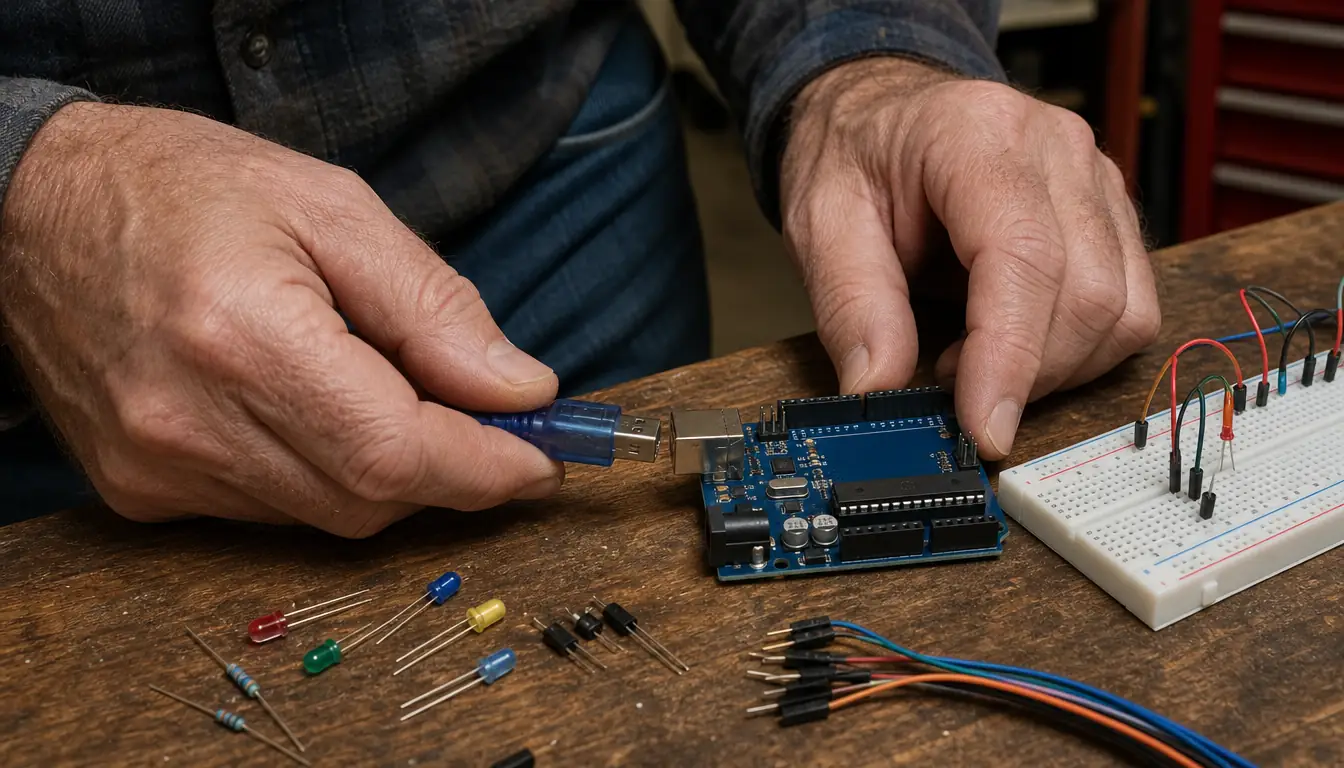
The only connectivity listed for this board is USB, and that is the whole ritual. I plug the cable into my Windows laptop, the board draws its power from that same cable, and the Arduino IDE sees it. No bench supply, no wall adapter, no battery holder to get wired backwards. For an adult returning to a hobby after decades away, that removes the first place people quit: the part where you stare at a board that will not light up and you cannot tell whether the problem is the code, the wiring, or the power. Here it is almost never the power.
Twenty-two lessons in a fixed order, so you never decide what comes next
The tutorial is a PDF with a numbered path, and I worked it in sequence, one or two lessons a night. I never had to choose what to build. That sounds trivial and it is not. The adults I talk to who stall out on this hobby stall because they finished the three obvious projects and had no idea what a fourth one should be. A sequence solves a motivation problem, not a technical one, and motivation is what actually runs out first.
The display arrives with its header already soldered on
The LCD1602 in this kit comes with the header attached. If you have never soldered a header into a display board, understand that it is the job most likely to end a beginner's first weekend: the pins walk, the plastic softens, and a joint that looks fine can be the reason nothing shows up on the screen. Mine came ready to seat in the breadboard. I had a temperature-controlled station sitting on the bench and I was still glad I did not need it for that one.
A breadboard power supply module ends the battery hunt
This kit includes a breadboard power supply module, so a simple circuit runs off the breadboard rails instead of a scavenged battery pack. I spent years at the hangar chasing intermittent faults that traced back to a tired connector, and a beginner chasing the same ghost through a dying battery holder will decide they are bad at electronics. They are not. They are bad at power. This module takes that variable out of the first month, and the first month decides whether you stay.
Every lesson walks you through the wiring before you touch code
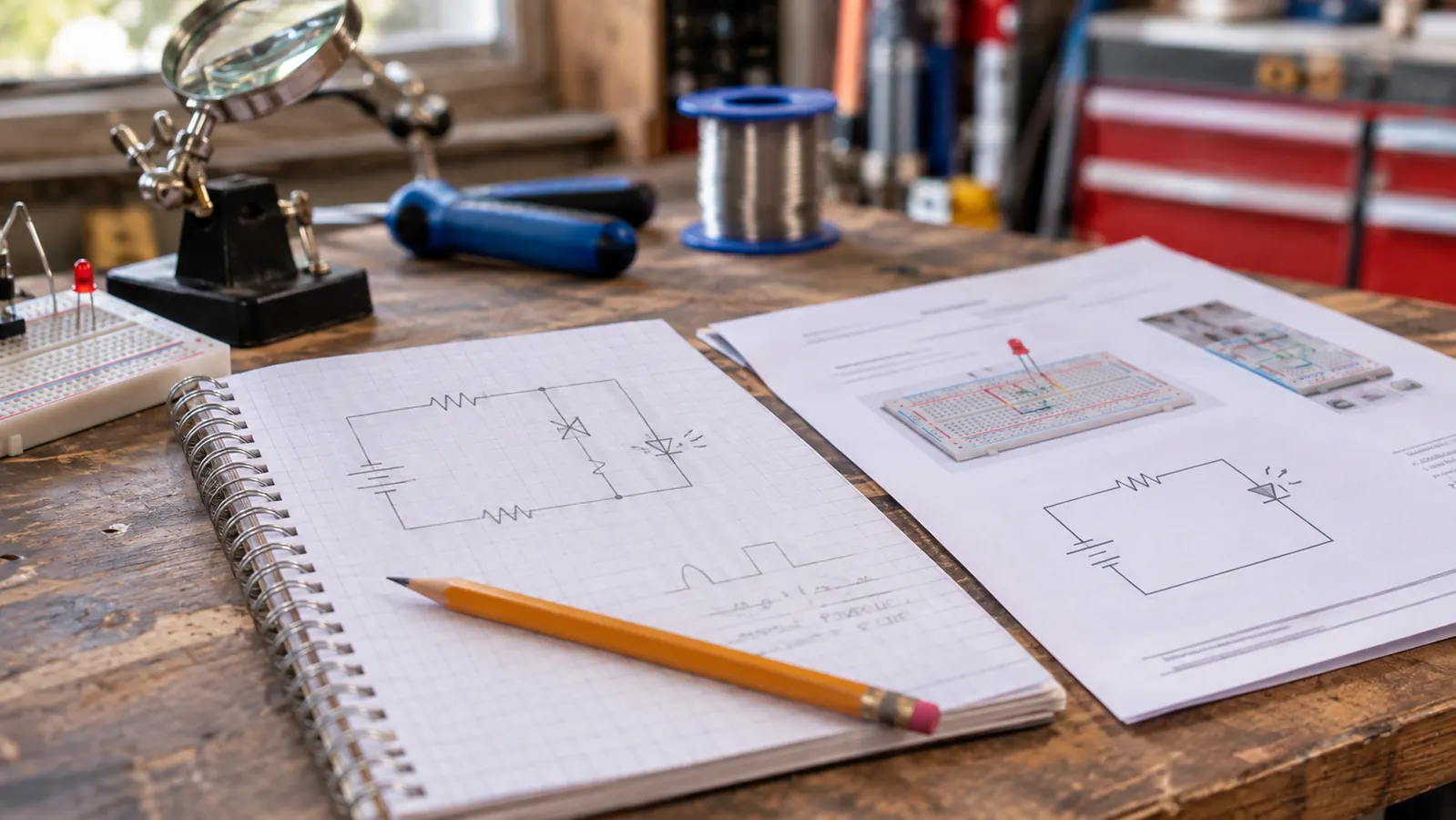
Each lesson takes you from the diagram to the board and then to the editor. Following that wiring is the real skill underneath all of it. Thirty-four years of avionics taught me to read a schematic the way other people read a menu, and I still followed the diagrams in the early lessons instead of trusting memory. What an adult gets here is a translation habit: symbol on paper, wire in a hole. Once that clicks, the kit stops being a kit and becomes a set of parts you can aim at your own idea.
You edit working example code instead of facing a blank editor
The example code ships with the lessons, so your first act is a small change to something that already runs. That is the difference between learning and quitting for most adults. You change a delay from one second to three, you watch the result, and you have learned something real about cause and effect. I code mine from the Windows laptop in the Arduino IDE, and I still start a new project by copying a lesson sketch and cutting it down to what I need.
Mistakes are small and they teach you something
In May 2024 I wired an LED without its resistor and burned it out. One LED. Nothing else on the board was hurt. I include that because it is the smallest mistake in the box and the one beginners are most afraid of. The parts in a starter kit are meant to survive you. A beginner who believes one wrong jumper will destroy the whole purchase works too slowly and learns less. Burn the LED, find the reason, move on to the next lesson.
The parts stay useful after the lessons are finished
When I reached the end of the tutorial, the parts did not retire with it. Resistors, jumper wires, the breadboard, the display, the controller itself, all of it went into a drawer as my breadboard stock, and I still pull from that drawer for other projects. That is the test I now apply to any kit: does it leave you with a usable bench, or with a box you close and shelve? Carol asked me the fair question, so what does it do, and the honest answer is that it leaves you able to build the next thing.
16 MHz and 2 KB of SRAM are slow enough to see yourself working
The board runs at 16 MHz with 2 KB of SRAM. That is not a specification to brag about, it is one that teaches. There is no room to hide careless code, and a change shows up on the bench immediately, which is exactly how a beginner connects a line of text to something that moves. I spent my working life on systems where verifying a change took most of a shift. This is the opposite, and it makes a better classroom.
It has a known footprint, so it actually comes back out
The kit measures 8.3 by 5.5 by 1.97 inches and weighs 1.2 pounds, so it lives on a shelf or in a drawer and comes out when you have an hour. ELEGOO backs it with a one year manufacturer warranty. Those are small things that matter at 63. A hobby that demands a dedicated room does not get used. A hobby with a defined footprint and a defined box does, and this one has been in and out of the drawer for two and a half years.
In May 2024 I wired an LED without its resistor and burned it out. One LED, nothing else. It is the smallest mistake in the box and the one beginners are most afraid of.
What I'd Skip
Two things. I would skip any kit that hands you a bag of parts and a link to a forum, however many components are in the bag, because the count is not the product. The sequence is the product. And I would skip buying a robot kit at the same time as this one. I bought my robot car kit ten months later and that spacing was right, because a car kit assumes you already know which pin is which and why the sensor cable goes in that port and not the one beside it. Blink one LED first. Then build something that drives.
Start with a lesson you can finish tonight
The UNO R3 controller, a breadboard, the pre-soldered LCD1602 and 22+ guided lessons in a single box. One USB cable to your laptop and you are building. Mine has been in and out of the drawer since April 2024.
Amazon Check Today's Price on Amazon →