
The box sat on my bench for two days before I opened it. Not because I was intimidated. Because I wanted to read the tutorial first, the way I used to read a wiring diagram before touching a harness. I bought the ELEGOO UNO R3 Smart Robot Car Kit V4 in February 2025, built it over two Saturdays, and it has been running on my garage floor for about a year and nine months now. Six hours of assembly, and the lessons are still turning up.
Here is the thing I did not expect. I spent 34 years as an avionics technician, and I still learned something from a car the size of my hand. Not new physics. New habits, mostly, the kind you only get when a mistake drives away from you at speed instead of sitting on a bench being wrong quietly. These ten reasons are what I would tell anyone who asks whether a kit like this actually teaches robotics or just lets you assemble something and park it on a shelf.
The car that made me read a schematic again at 63
The ELEGOO Smart Robot Car V4 carries a 4.5 average across 4,507 ratings. Mine arrived in February 2025 and has run most weekends since. The listing tells you what is in the box. I will tell you what it does to your head.
Amazon Check Today's Price on Amazon →It shows you what a sensor actually reports
The first time the car follows a black line, it looks like it can see. It cannot. Each sensor under the nose returns a value, and your code compares that value to a threshold you chose. Move the tape, change the lighting, and the same threshold stops working. That is the lesson. Sensors report numbers, not truth, and you decide what the numbers mean. Aviation taught me the same thing with altimeters, and I still had to learn it again with a car I built myself.
The connectors stop you from guessing
Every cable in this kit ends in a keyed XH2.54 plug. Keyed means it only goes in one way, and the plastic is shaped so you feel the mistake before the electronics do. That sounds like a small convenience. It is not. A good share of what a beginner learns is remembering where things go, and a connector that refuses the wrong port removes that whole category of error. My one wiring mistake still happened, but the plug told me exactly where to look.
The camera turns code into something you can watch
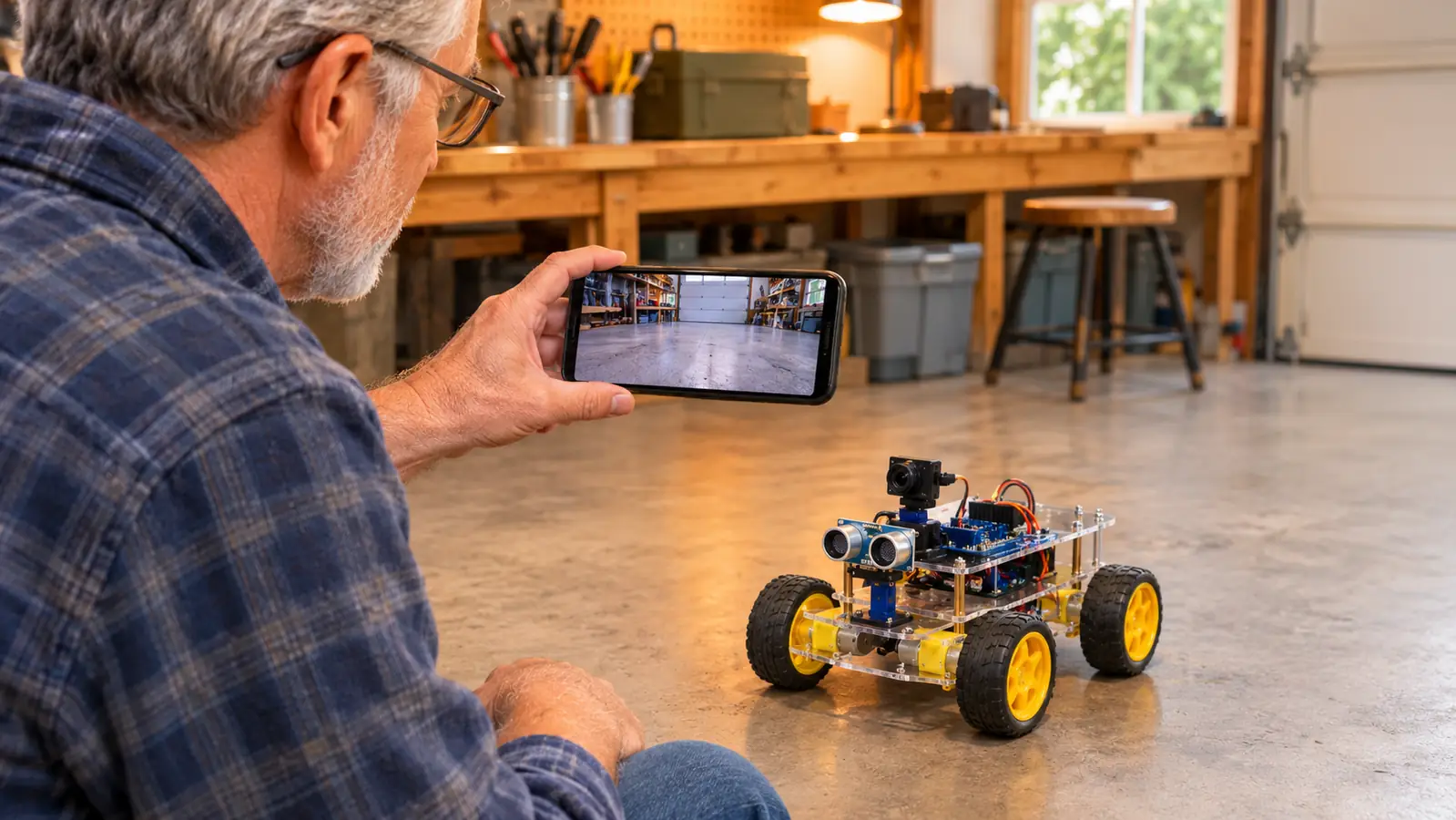
Code on a bench gives you an LED. Code on a car gives you a picture. The onboard camera streams live video to the ELEGOO app while you drive, so you can see the result of a change you made five minutes earlier in the Arduino IDE. I use it to check whether a turn is as sharp as I asked for. It never is the first time. That gap between what I wrote and what the car did is the whole education, delivered in real time.
Line tracking is a control loop you can watch fail
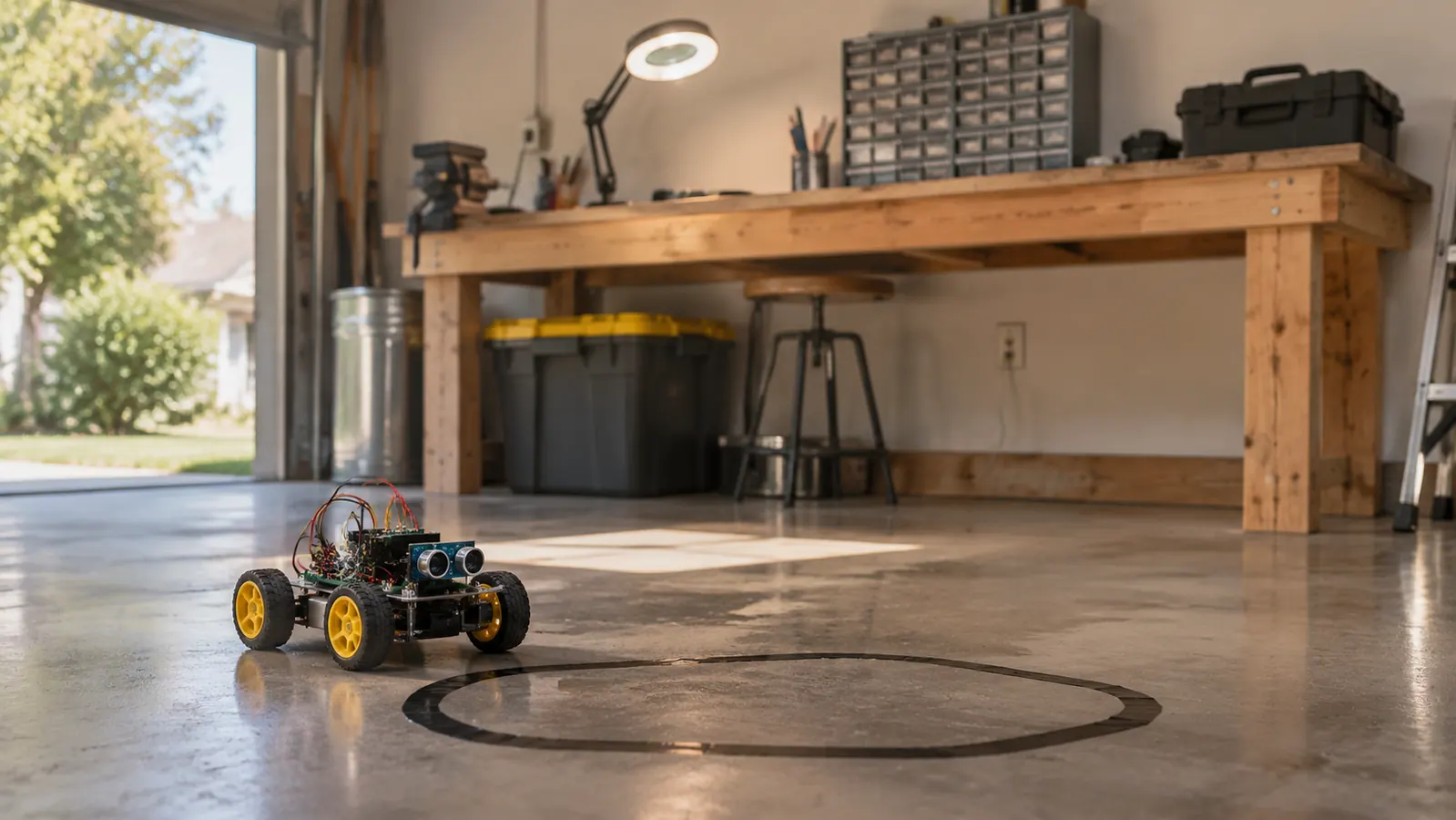
I laid a loop of black electrical tape on the garage floor, about six feet around, and let the car chase it. What you learn here is a control loop: read, decide, steer, repeat, hundreds of times a second. When the loop is wrong, the car does not fail gracefully. It saws back and forth, or it leaves the tape entirely and heads for my wife's parked car. Watching that oscillation and then fixing the threshold beats any explanation of feedback I have ever read.
Moving and steering turn out to be different problems
The listing talks about exploring movement, sensors and control logic, and that order is right. Getting the car to move is one afternoon. Getting it to move straight is a week. The drive motors never quite match, so your program carries a small correction, and you learn that a motor command is a request, not a promise. I spent years aligning aircraft systems that behaved the same way. Nothing in a hobby kit had shown me that before, because nothing in a hobby kit had moved.
One sensor cable in the wrong port bought me ten minutes of silence. That silence taught me more than the hour of assembly before it.

The tutorial is a ladder, not a reference manual
Each lesson hands you a working program, explains one new piece, and moves on. I worked through it the way I used to work through a maintenance procedure, in order, no skipping ahead. The illustrated tutorial and the example programs are meant to be read that way, and a beginner who treats them as a ladder gets somewhere. The one who treats them as a lookup table gets stuck on lesson four and blames the kit.
You edit working code instead of starting at a blank sketch
A blank sketch is a hard place to begin. Modifying a program that already drives the car is easy. Change one number, upload, watch what happens. That loop is short enough to hold my attention on a rainy Wednesday afternoon, and it is exactly how the example programs are meant to be used. I started by shortening a turn, then by changing how long the car backs up after it bumps something. Small edits, real results, and the code stops being a foreign language.
Debugging is the actual curriculum
On my first Saturday I plugged one sensor cable into the wrong port. The car powered up, sat there, and did nothing. No smoke, no damage, no drama, just silence. I checked the diagram, moved the plug, and it drove. Ten minutes, door to door. That ten minutes is the reason I recommend this kit to people who want to learn troubleshooting. You cannot debug a circuit you have not built, and you will not build one you are afraid to break.
Assembly is honest work with a real machine at the end
The build took me about six hours across two Saturdays, working slowly with the magnifier lamp on. The frame is acrylic and plastic, it measures about 7 by 8 by 6 inches, and it weighs roughly 1.23 kg once everything is mounted. The listing says 12 years and up, and I would not argue. The screws are small and the instructions assume you can follow a diagram. What you get for that effort is a machine you understand from the frame up, because you put every layer on it yourself.
It gets used, which is more than most kits manage
Most kits I have seen end up in a closet. This one does not, because starting it takes about ten seconds: pick up the phone, open the ELEGOO app, drive. Or grab the IR remote if the phone is charging in the kitchen. Anything you can start that easily gets started, and anything you start gets modified, and anything you modify teaches you something. A year and nine months in, mine still lives on the floor by the bench with the tape loop down and ready.
What I'd Skip
Three things. Skip buying a second kit before the first one completes a full lap on its own, because two half-built cars teach you half as much as one finished one. Skip the urge to rewrite the code before you have run every example program exactly as written, since you will not know which of your changes broke it. And skip the upgrade videos for now. The kit already drives, follows a black line, avoids what is in its path and streams video to the app. Get bored of all that first, then change hardware. I have never sold a build or earned a dollar from one, and I have never needed a second kit to learn something new from this one.
If you want a machine you understand from the frame up
Two Saturdays and about six hours of bench time bought me a car that still runs on my garage floor a year and nine months later. That is the honest version, no promises attached. Read the listing and decide whether the parts and the tutorial match what you actually want to learn.
Amazon Check Today's Price on Amazon →