
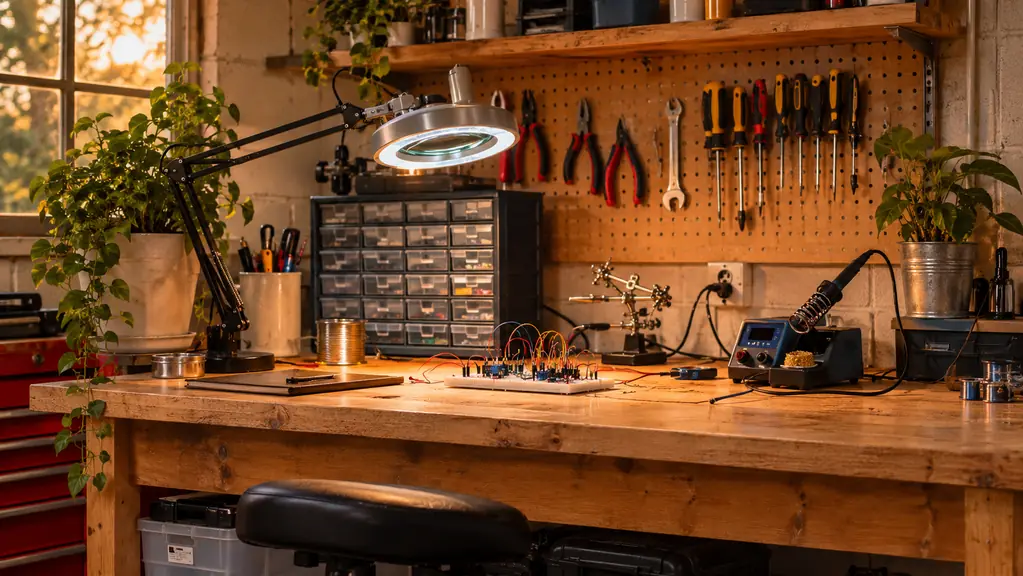
The first thing I bought after I retired from avionics was not a robot kit. It was an AstroAI AM33D digital multimeter. That was February 2024. I had spent 34 years using shop meters at the hangar, and I had never owned one for my own bench. I figured a hobby meter would sit in a drawer. Two years and nine months later it is the tool I reach for before I power up anything.
A multimeter does not build the project for you. What it does is answer the small questions that stop a build: is this battery alive, is this rail at 5 volts, is this joint connected, is this resistor the value I thought I pulled from the drawer. Beginners get stuck because they cannot see electricity. The meter makes it visible. These are the ten reasons I would hand one to any electronics hobbyist before I handed them another kit. The meter does not care whether you are 16 or 63. It gives you the same number, and that number is the start of the repair.
Before the next kit, get the tool that tells you why it is not working
The AstroAI AM33D measures DC and AC voltage, current, resistance, continuity and diodes, with a backlit LCD and a 2000 count display. It ships with a 9V battery, two test leads and a manual.
Amazon Check the AstroAI AM33D on Amazon →Tells you whether the power is really there
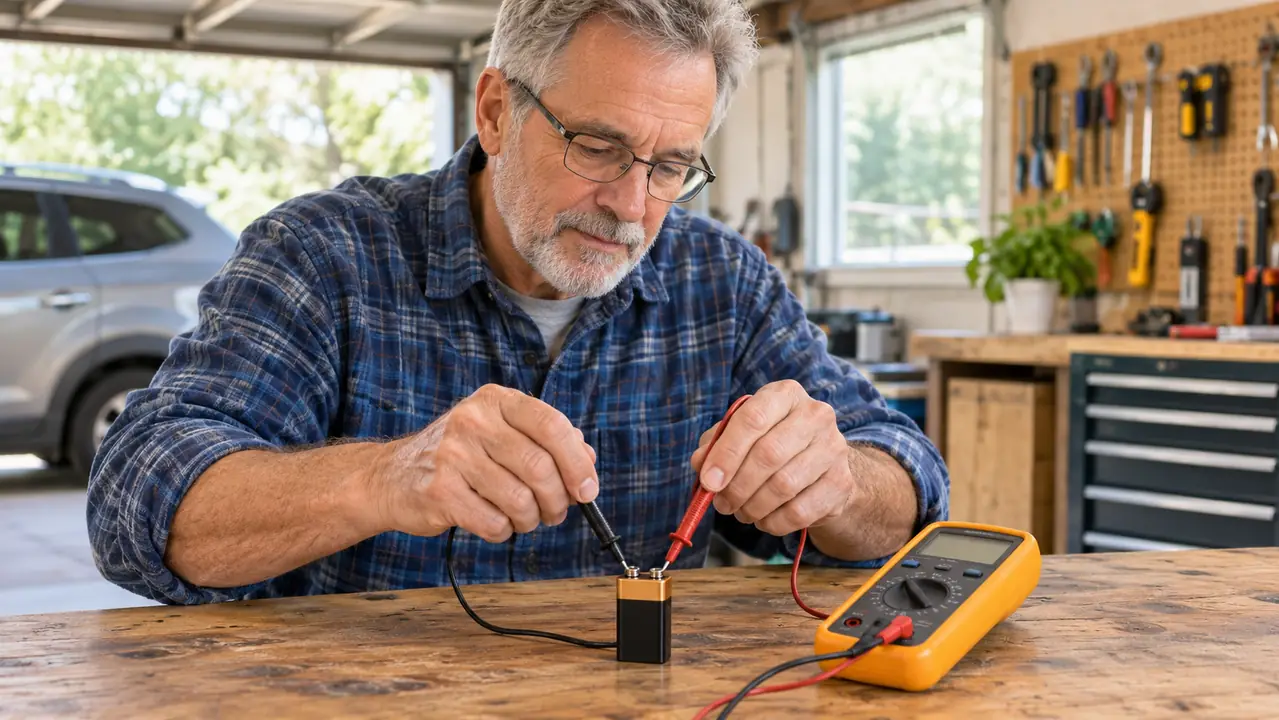
Before I touch a circuit, I want to know what the supply is doing. I set the AstroAI to DC voltage and touch the leads to the battery or the rails. A fresh 9V reads near 9 volts. A 5V rail on the ELEGOO board reads close to 5. If it reads 0, I have a supply problem, not a code problem. That one check has saved me from rewriting code that was never the issue. I write the reading on the notebook page before I change anything. That way I know what the circuit was doing before I made it worse.
Finds the broken connection without a guess
I put one test lead on each end of a wire and set the AstroAI to continuity. If the reading stays open, the wire is broken or the joint is cold. I used this on the robot car after I plugged a sensor cable into the wrong port. The cable was fine. The port was wrong. Ten minutes with the diagram and the meter got me back on track. The meter does not tell you why the port was wrong. It only tells you the wire is good, which is enough to send you back to the diagram.
Checks resistor values before they go into the board
The bands are small and my eyes are 63 years old. I set the AstroAI to resistance, touch the leads to the legs, and compare the reading to the schematic. A 220 ohm resistor that reads 22 ohms is not a 220 ohm resistor. Finding that at the drawer is faster than finding it after the circuit behaves strangely. I keep a small box of resistors sorted by value, and I still check each one. The bands lie after a while, or my eyes do.
Catches the mistake that burns a part
In May 2024 I wired an LED without its resistor and burned it out. One LED, nothing else. The meter would have told me the current path was wrong before I powered it. Now I check the rail and the resistor first. The AstroAI does not prevent every mistake, but it makes the small ones visible early. One burned LED is a cheap lesson. A burned board is not.
Turns a dead project into a short list of checkpoints
When a build does nothing, the temptation is to move every wire. I do the opposite. I check the supply voltage, then the rail voltage, then continuity across the switch, then the resistor values. The AstroAI gives me four readings and a place to start. Most problems are one of those four. When the readings are all normal, I look at the code. When one is off, I look at the wiring. The meter keeps me from doing both at once.
Teaches you to read a schematic by testing it
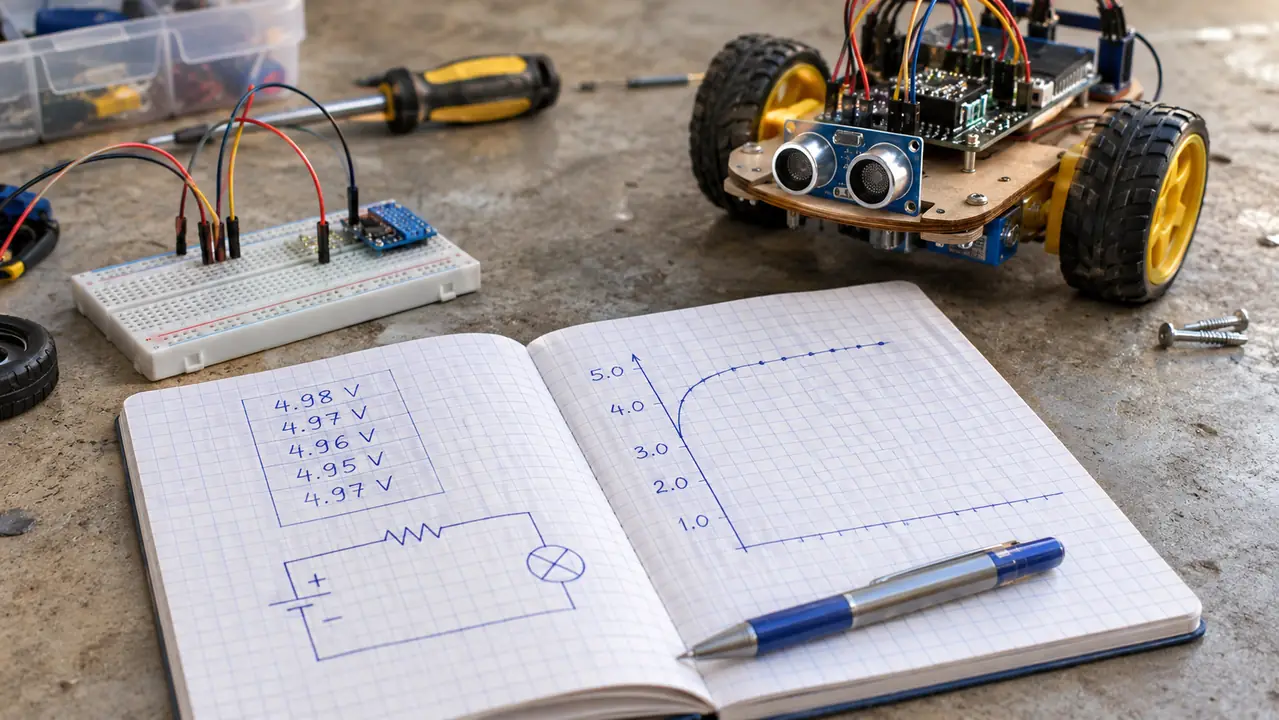
A schematic is a drawing of intent. The meter tells you whether the intent made it to the board. I learned more about pull-up resistors and voltage dividers by measuring them than by reading about them. The AstroAI sampling speed is 2 times per second, so the display settles quickly enough for a beginner to follow. A beginner can see the number change on the display and connect it to the drawing in front of them.
Gives you a way to check a battery before you trust it
A battery can look fine and still be tired. I set the AstroAI to DC voltage and check the 9V in the meter, the AA cells in the robot car, and the coin cell on a small board. The meter runs on a 9V battery and shows a low battery indication when that battery is low. I replaced mine once, in spring 2026. That is the only maintenance it has asked for. I also check the 9V in the meter itself before I start a session. If it is low, the readings are not worth trusting.
Covers the measurements a hobby kit actually uses
The AstroAI measures DC and AC voltage, current, resistance, continuity and diode. That covers the checks I do on the ELEGOO UNO, the Raspberry Pi, and the robot car. It has a backlit LCD for the dim corner of the garage, and it meets IEC 61010. It is not a lab meter, and it will not test all AC current or AC voltage below 100mV. For bench work, it is enough. The two test leads are the ones that came in the box, and the manual is still in the bench drawer.
Grows from the first kit to the robot car
I bought the AstroAI in February 2024, before the soldering station, before the UNO kit, before the Pi, before the robot car. It has been on every build since. The same meter checked the 5V rail on the UNO, the 3.3V pins on the Pi, and the motor supply on the car. A tool that stays useful across four kits is a tool worth keeping on the bench. The robot car came last, and it made the meter feel essential. A wheel that does not turn is either a motor, a driver, or a supply.
Settles the question when nothing else makes sense
There are nights when a circuit does not work and I have no clear idea why. That is when I stop guessing and start measuring. The AstroAI is not fancy. It has a 2000 count display, two test leads, a manual, and a 3 year warranty. It also has a California based support team that answers within 24 hours, according to the listing. The point is not the features. The point is that it gives me a number when I am stuck. I have had evenings where the answer was a loose ground, and evenings where it was a dead battery. The meter found both.
None of this requires a lab bench. It requires a meter, a notebook, and the habit of checking before you change. I keep a small notebook beside the bench and write down the reading before I touch a wire. That habit has been more useful than any feature on the meter. When a project works, the page tells me what normal looked like. When it fails, the page tells me what changed.
What I'd Skip
I would skip the meter with every function if it means you never learn the four you use. I would skip using any handheld meter on household mains wiring. I have never used the AstroAI on mains, and I would not start now. I would also skip the idea that a multimeter replaces an oscilloscope. It does not show you a waveform. It shows you a number. For a hobbyist, that number is usually the difference between a fix and an evening of guessing.
Two years and nine months on the bench, one 9V battery, and the AstroAI still tells me what I need to know before I plug anything in.
The first tool earns its place
If you are starting with kits, buy the meter before the next kit. The AstroAI AM33D measures what a bench hobbyist needs, ships with the battery and leads, and carries a 3 year warranty.
Amazon Check the AstroAI AM33D on Amazon →